Power Automate Convert String to Integer: 11 Tested Examples
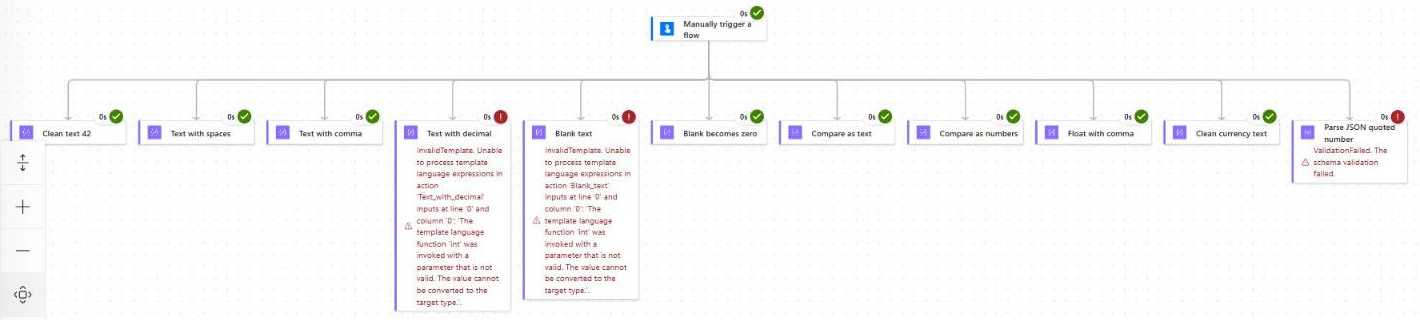
Power Automate convert string to integer: learn to use int(), float(), and decimal(), handle blanks, commas, and currency, and fix InvalidTemplate errors.

Power Automate convert string to integer: learn to use int(), float(), and decimal(), handle blanks, commas, and currency, and fix InvalidTemplate errors.
A few years ago I built what I thought was a simple contract reminder flow. A SharePoint list of vendor contracts, a daily recurrence, and an email to the owner 30 days before expiry. It ran clean in testing. Two weeks later, the procurement lead asked me why nobody had been notified about a renewal … Read more >>
If I had to pick the single expression I use most often in Power Automate, it would be formatDateTime(). Whether I’m building an approval flow for a SharePoint Online document library, sending a daily digest email, naming a file with today’s date, or writing a due date back into a SharePoint list column, this one function … Read more >>
Learn how to use trigger conditions in Power Automate with 25+ copy-paste examples for SharePoint, Outlook, Dataverse & more. Stop unwanted flow runs today.
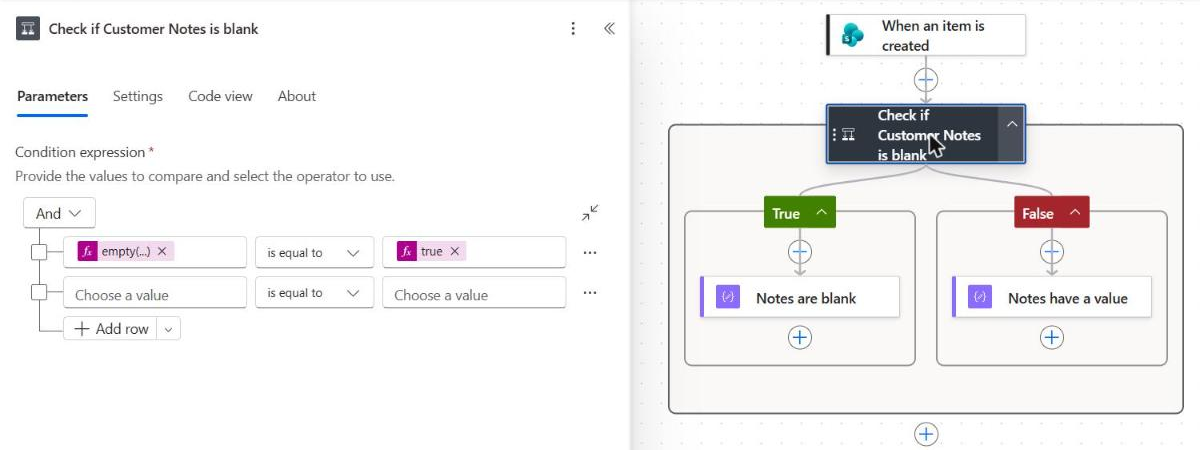
Power Automate condition if blank: check nulls, empty strings, arrays, and SharePoint, Forms, Excel, and Dataverse fields with copy-paste examples.
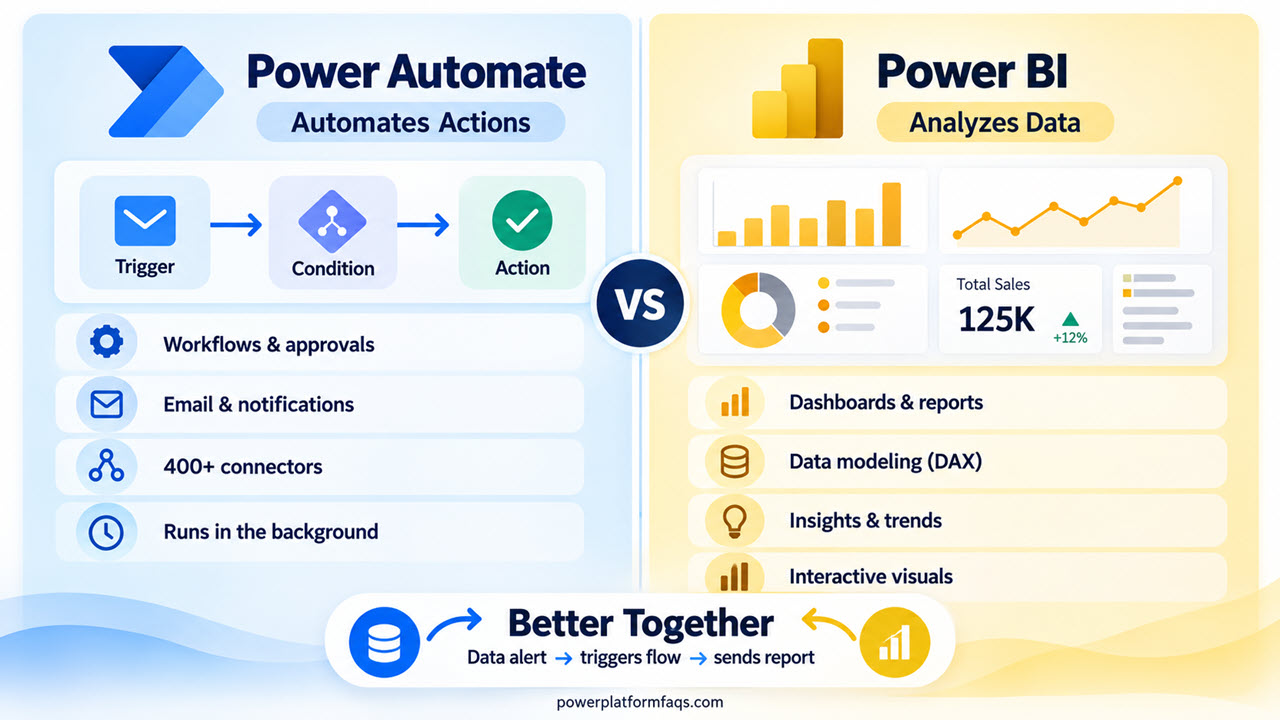
Power Automate vs Power BI comparison for 2026: learn key differences, licensing, real examples, when to use each tool, and how both work together.
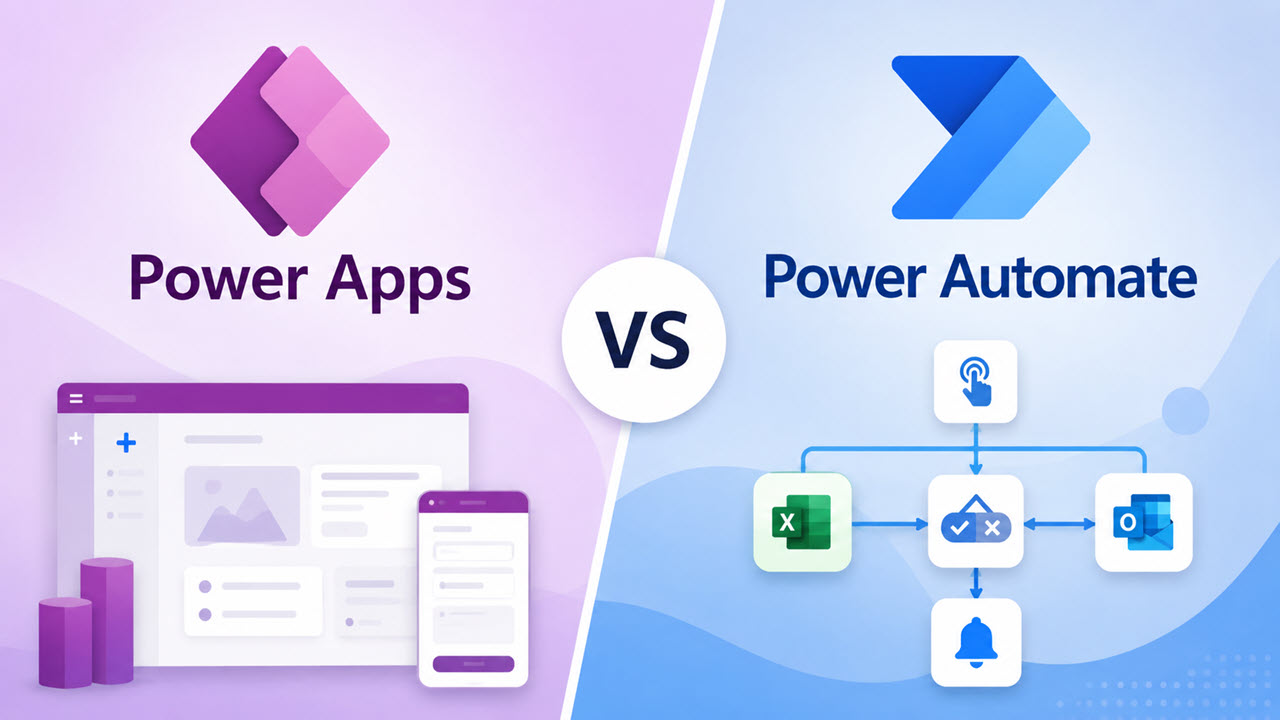
While working with a client on an employee leave-request solution, I got a very common question: Should we build this in Power Apps or Power Automate? At first, it sounded like a simple choice. The client needed employees to submit leave requests, managers to approve them, and HR to receive notifications. But the real answer … Read more >>
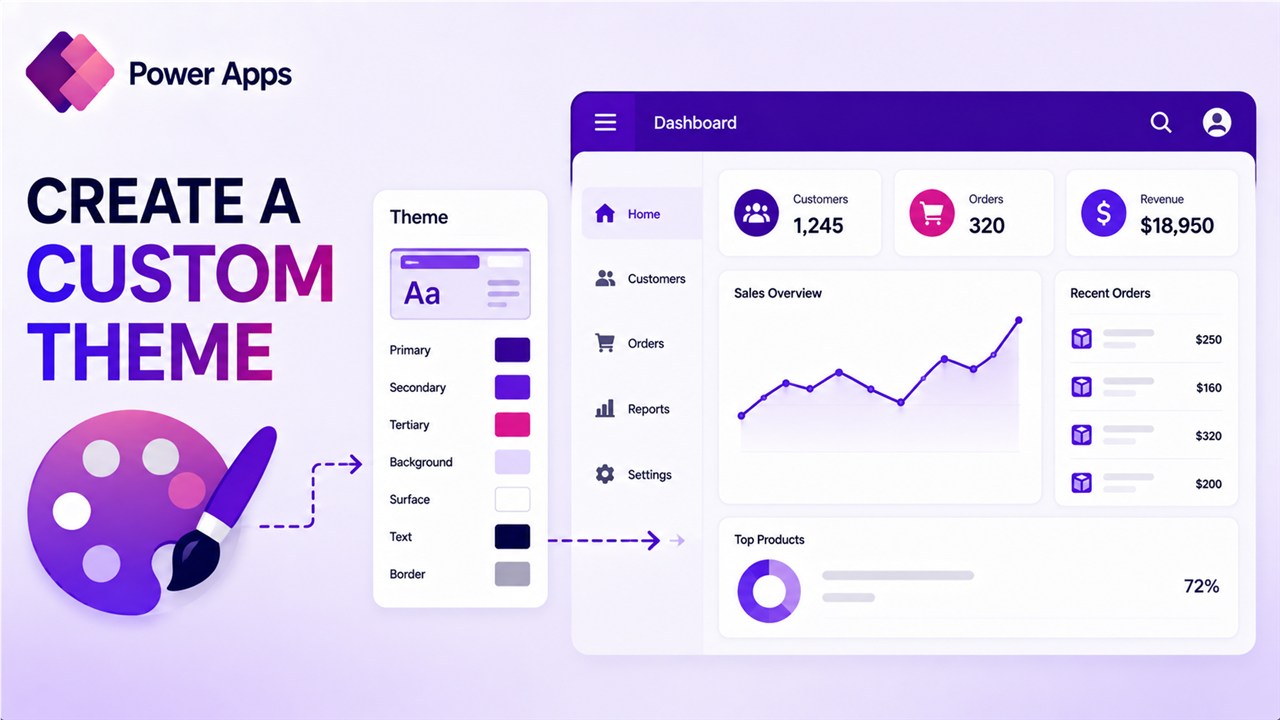
In this tutorial, I will show you how to create a custom theme in Power Apps and how to give users the option to change the theme from a Power Apps screen. As a Power Apps maker, you can change the theme anytime while developing the Canvas app. But what if you want to provide … Read more >>
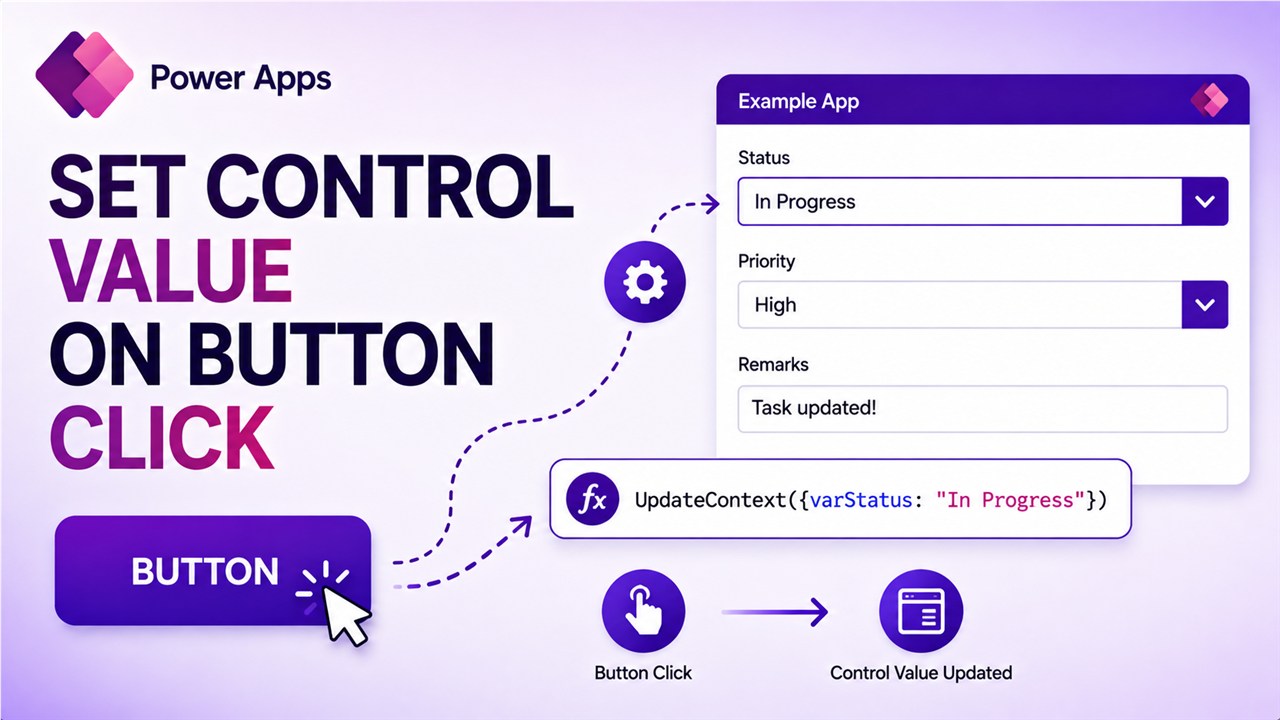
Recently, in a Power Platform training batch, someone asked how to set the textbox value on a button click in PowerApps. It is easy to do. In this tutorial, I will explain how to set the control value on a button click in Power Apps. I will show three examples below so that it will … Read more >>
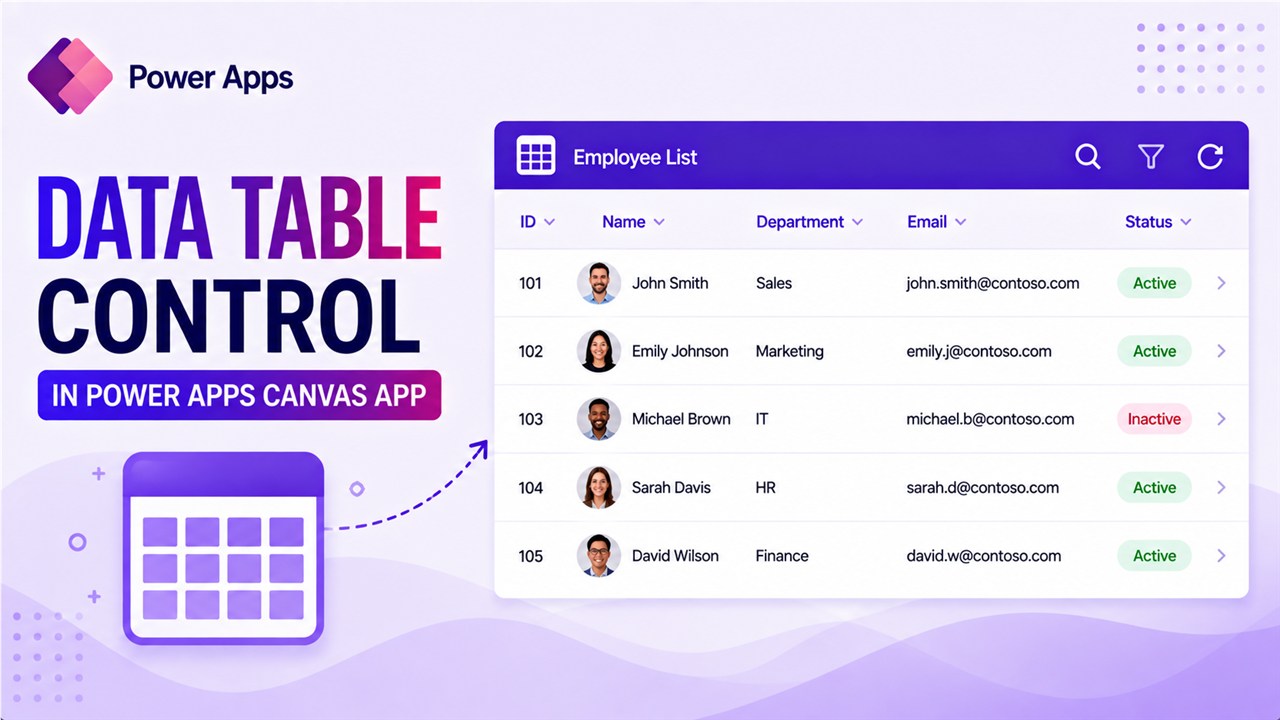
As a Power Apps developer, you should know how to use data table control to display a set of data in the Power Apps canvas app. I will show you step-by-step how to use the data table control in Power Apps with some real examples that I did for a few clients. If you are … Read more >>
Free PDF ebook
Tell me where to send it.
Your free Power Apps ebook is on its way to . Can't find it in a few minutes? Look in your Promotions or Spam folder.