
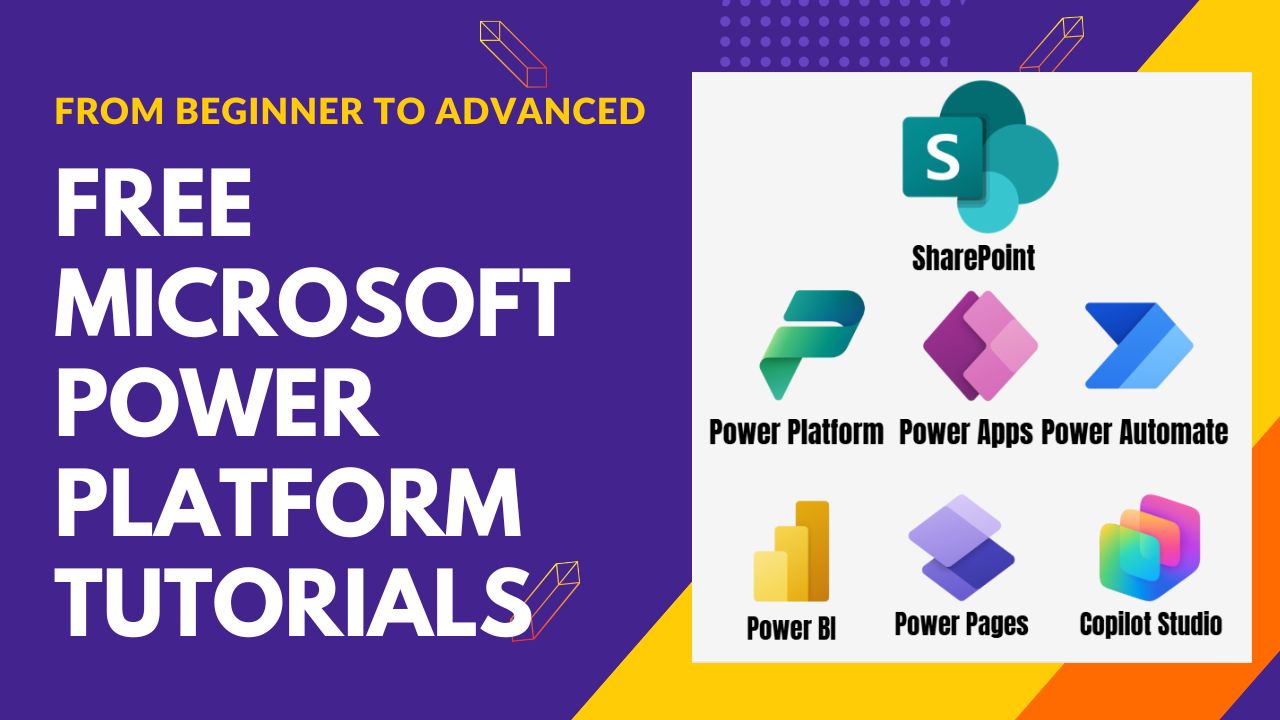
Free Microsoft Power Platform tutorials
Learn Power Platform the Practical Way
Step-by-step tutorials on Power Apps, Power Automate, Power BI, Power Pages and Copilot Studio. Every guide uses a real business example, the exact formulas and screenshots, from your first app to production-ready solutions.
 Written by Bijay Kumar, 13-time Microsoft MVP
Choose your technology
Microsoft Power Platform Tutorials
Five tools, one platform. Pick where you want to start. Each guide takes you from the basics to real-world solutions.
-
38 tutorials
Power Apps Tutorials
Explore Power Apps tutorialsBuild business apps with low code
Canvas apps, forms, galleries, variables and Power Fx formulas, from your first app to delegation, components and user-defined functions.
-
5 tutorials
Power Automate Tutorials
Explore Power Automate tutorialsAutomate workflows and approvals
Cloud flows, triggers, expressions and date functions that save hours of manual work every week.
-
Complete guide
Power BI Tutorials
Turn data into reports and dashboards
Connect SharePoint lists, Excel and SQL data, model it, write DAX and publish interactive reports.
ReportsDashboardsDAXData modeling
Explore Power BI tutorials -
Complete guide
Power Pages Tutorials
Build secure business websites
Portals for customers, partners and vendors: forms, lists, sign-in and web roles, all connected to Dataverse.
PortalsFormsWeb rolesDataverse
Explore Power Pages tutorials -
6 tutorials
Copilot Studio Tutorials
Explore Copilot Studio tutorialsCreate AI agents without code
Build agents that answer questions from your data, pick the right AI model and move safely from dev to production.
-
New to Power Platform?
Start Here
Not sure where to begin? Follow the beginner roadmap in this order.
- Platform basics
- Power Apps
- Power Automate
- Power BI
- Power Pages
- Copilot Studio
Bookmark these
Most Popular Power Platform Tutorials
- Patch Function in Power AppsPower Apps
- Delegation in Power Apps: The Complete GuidePower Apps
- formatDateTime() in Power AutomatePower Automate
- Create Your First AI Agent in Copilot StudioCopilot Studio
- Power Apps Multiple IF StatementsPower Apps
- How to Send Emails from Power AppsPower Apps
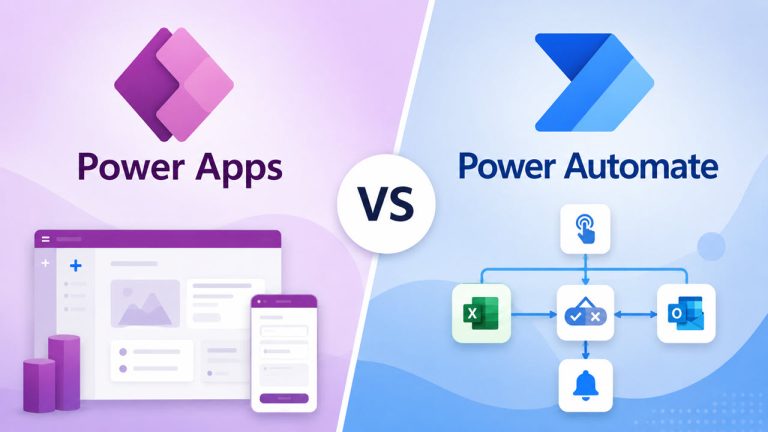
- Power Apps vs. Power AutomateComparison
- Fix: The formula uses scope which is not supportedError fix
Latest Tutorials
See all tutorials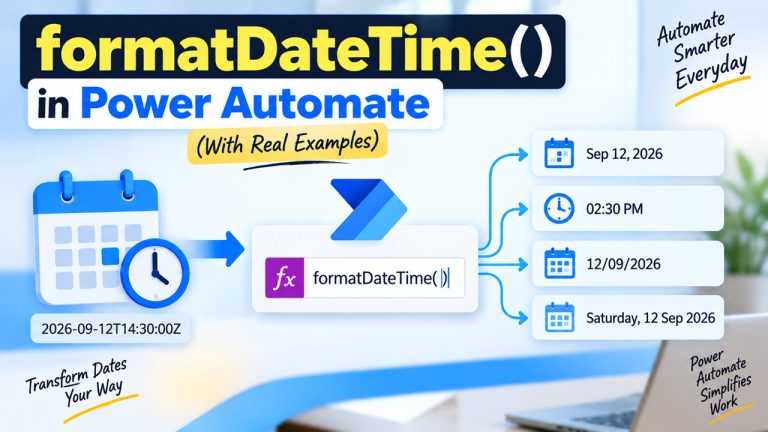
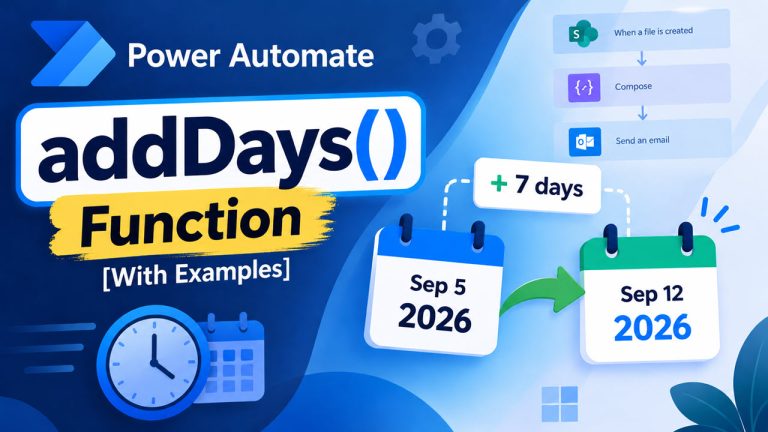
Free PDF ebook
19 Power Apps Mistakes Developers Make (And How to Fix Them)
Learn the performance, delegation and design mistakes that slow down Power Apps, and the exact fixes for each one. Enter your email and the PDF goes straight to your inbox.
You’ll also get new Power Platform tutorials by email. Unsubscribe anytime.
About the author
Hi, I’m Bijay Kumar
- 13×Microsoft MVP
- 18+Years of experience
- 5Power Platform tools covered