Power Automate Convert String to Integer: 11 Tested Examples
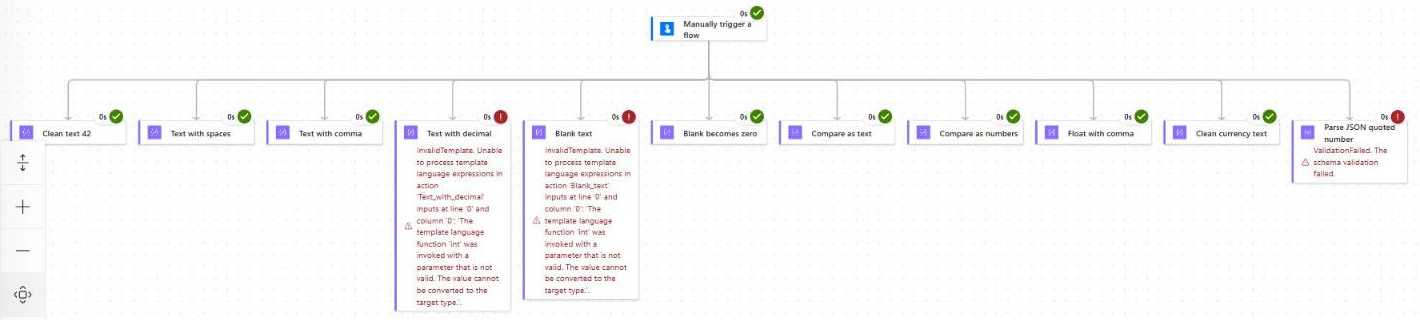
Power Automate convert string to integer: learn to use int(), float(), and decimal(), handle blanks, commas, and currency, and fix InvalidTemplate errors.

 Bijay
Bijay
Power Automate convert string to integer: learn to use int(), float(), and decimal(), handle blanks, commas, and currency, and fix InvalidTemplate errors.
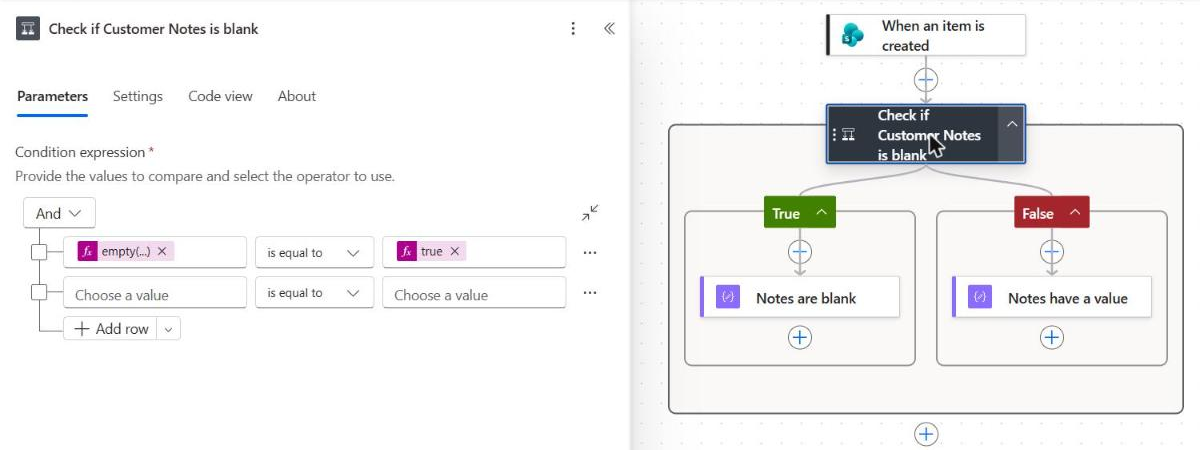
Power Automate condition if blank: check nulls, empty strings, arrays, and SharePoint, Forms, Excel, and Dataverse fields with copy-paste examples.
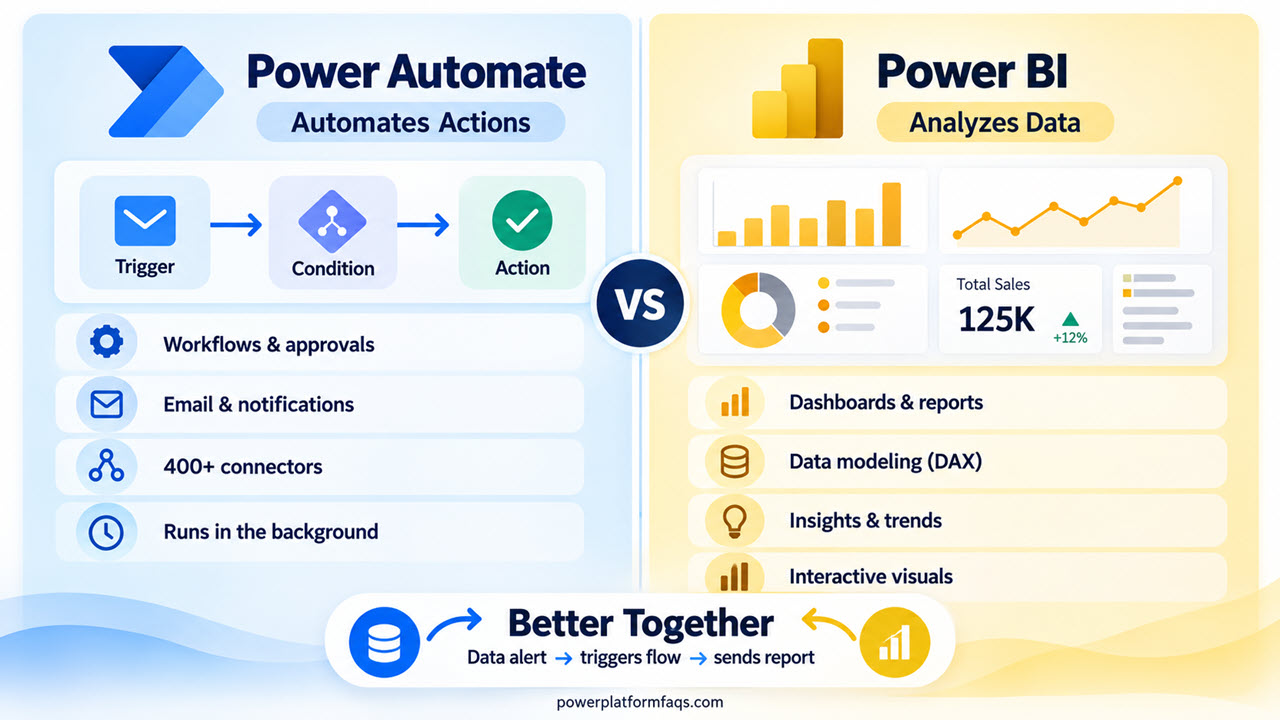
Power Automate vs Power BI comparison for 2026: learn key differences, licensing, real examples, when to use each tool, and how both work together.
Learn how to use trigger conditions in Power Automate with 25+ copy-paste examples for SharePoint, Outlook, Dataverse & more. Stop unwanted flow runs today.
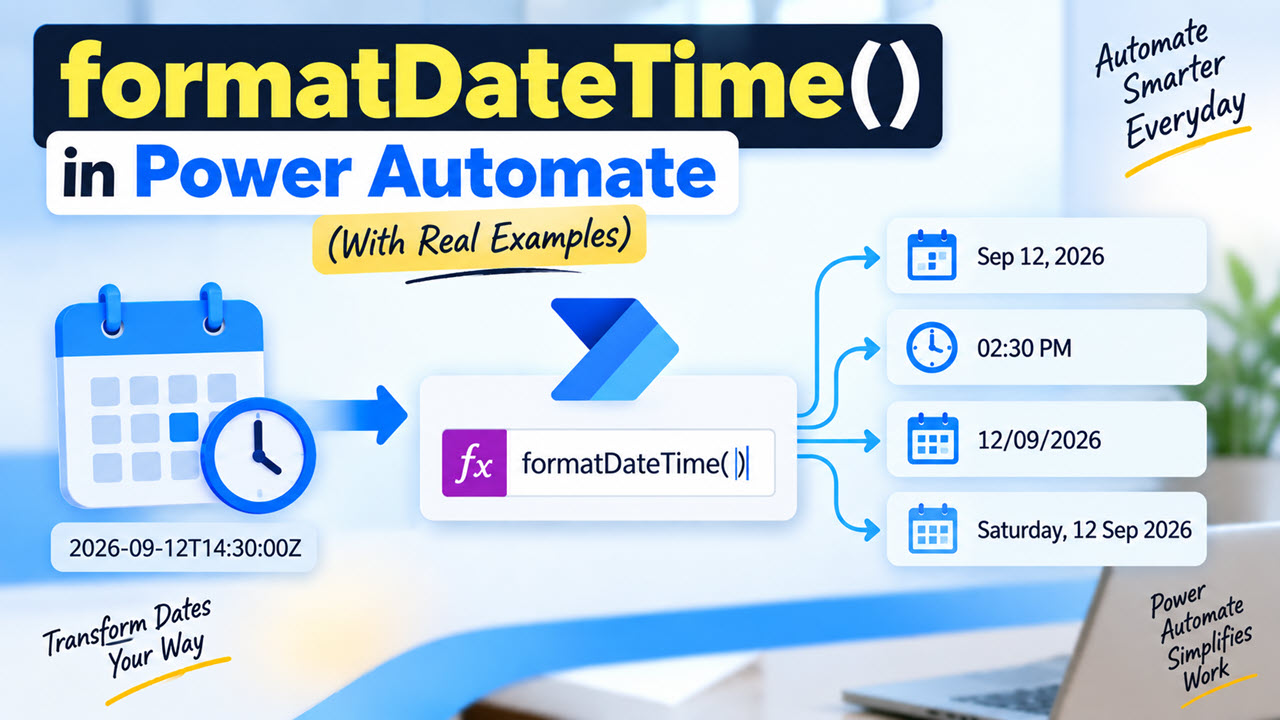
If I had to pick the single expression I use most often in Power Automate, it would be formatDateTime(). Whether I’m building an approval flow for a SharePoint Online document library, sending a daily digest email, naming a file with today’s date, or writing a due date back into a SharePoint list column, this one function … Read more >>
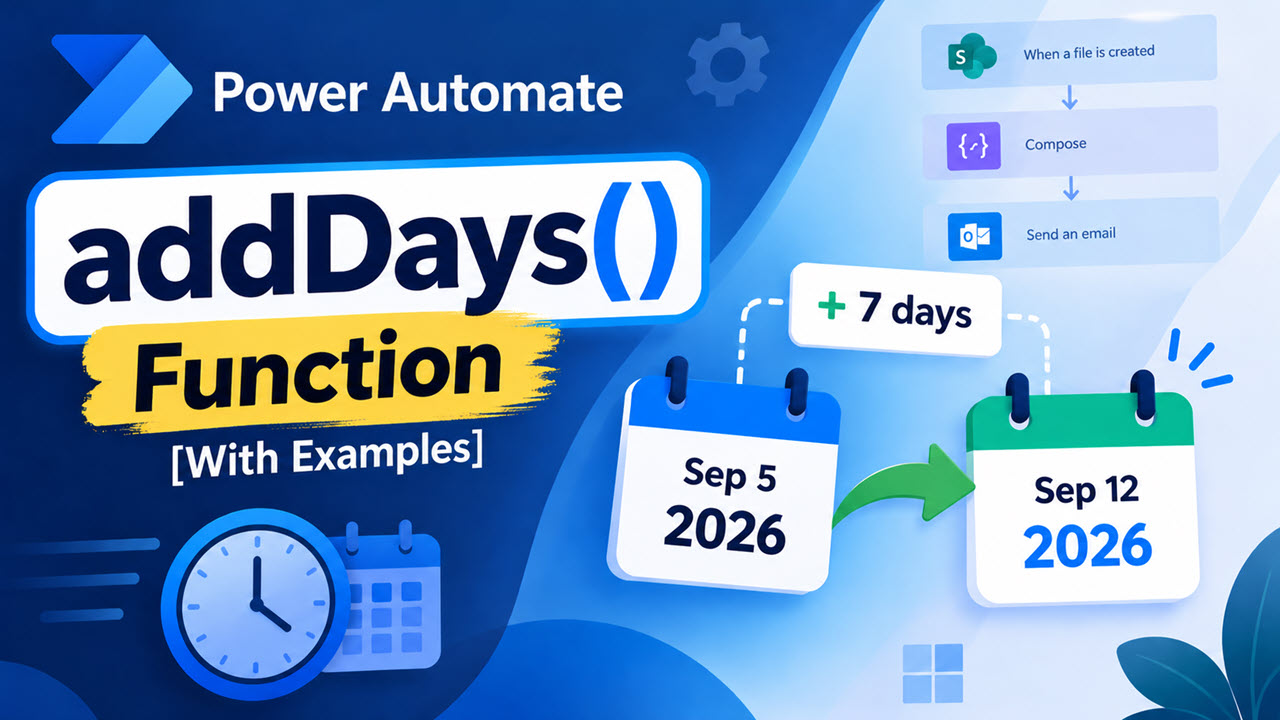
A few years ago I built what I thought was a simple contract reminder flow. A SharePoint list of vendor contracts, a daily recurrence, and an email to the owner 30 days before expiry. It ran clean in testing. Two weeks later, the procurement lead asked me why nobody had been notified about a renewal … Read more >>

While working with a client on an employee leave-request solution, I got a very common question: Should we build this in Power Apps or Power Automate? At first, it sounded like a simple choice. The client needed employees to submit leave requests, managers to approve them, and HR to receive notifications. But the real answer … Read more >>
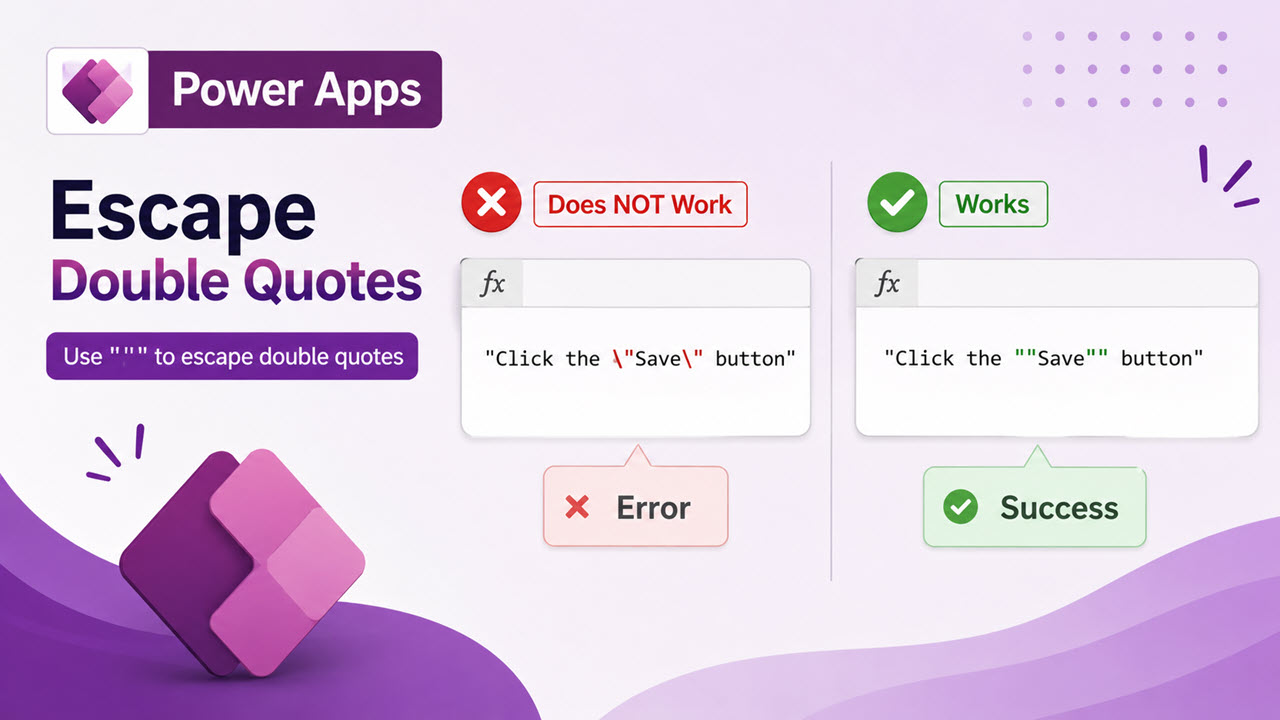
While working on a Power Apps project for a client, I had to show a message like this in a canvas app: At first, it looked simple. But as soon as I added double quotes inside a Power Fx text string, the formula showed an error “Expected operator. We expect an operator like + at … Read more >>
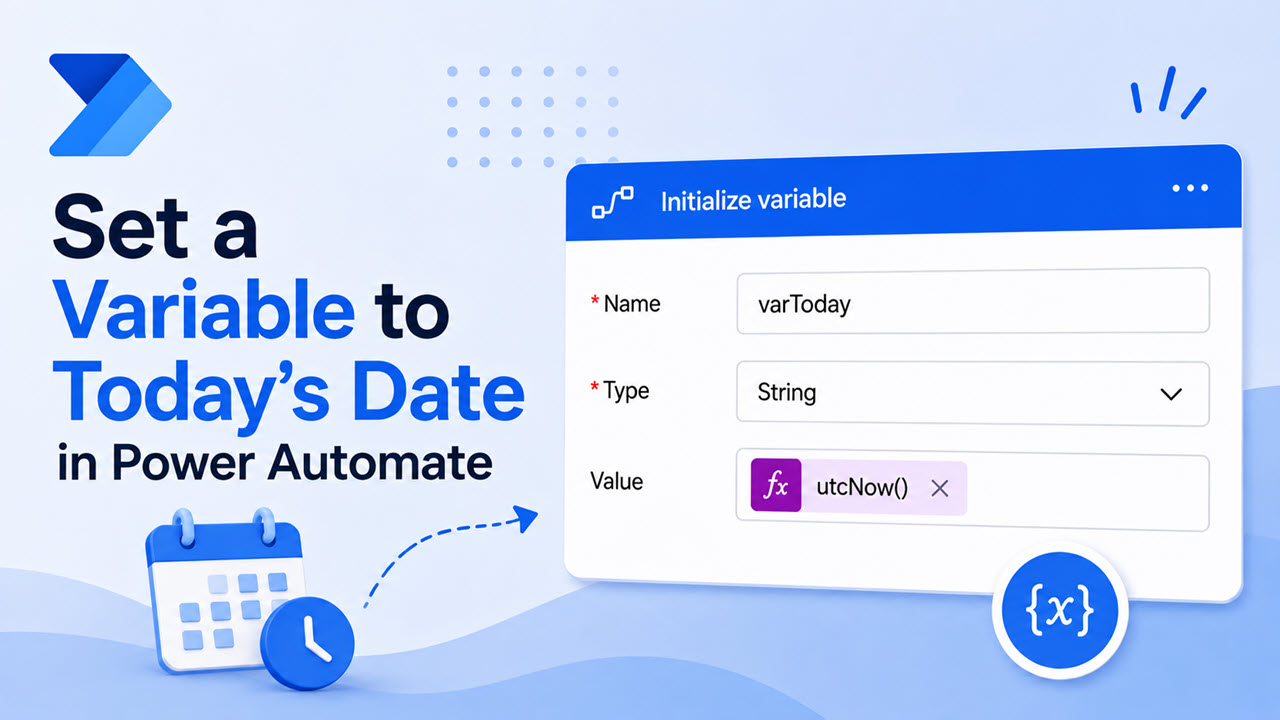
A few months ago, I was working with a client who wanted a simple daily digest flow. Every morning, the flow had to pull all the items from a SharePoint Online list where the Due Date was today, and then email that list to the project manager. Sounds simple, right? But the moment I started building it, … Read more >>

I built a leave request app for a client last year, and the manager kept complaining about one thing: the Department dropdown showed “Sales” four times because four employees belonged to that department. That’s a classic duplicate values problem, and it’s the first thing every Power Apps builder runs into once real data gets involved. … Read more >>
Free PDF ebook
Tell me where to send it.
Your free Power Apps ebook is on its way to . Can't find it in a few minutes? Look in your Promotions or Spam folder.