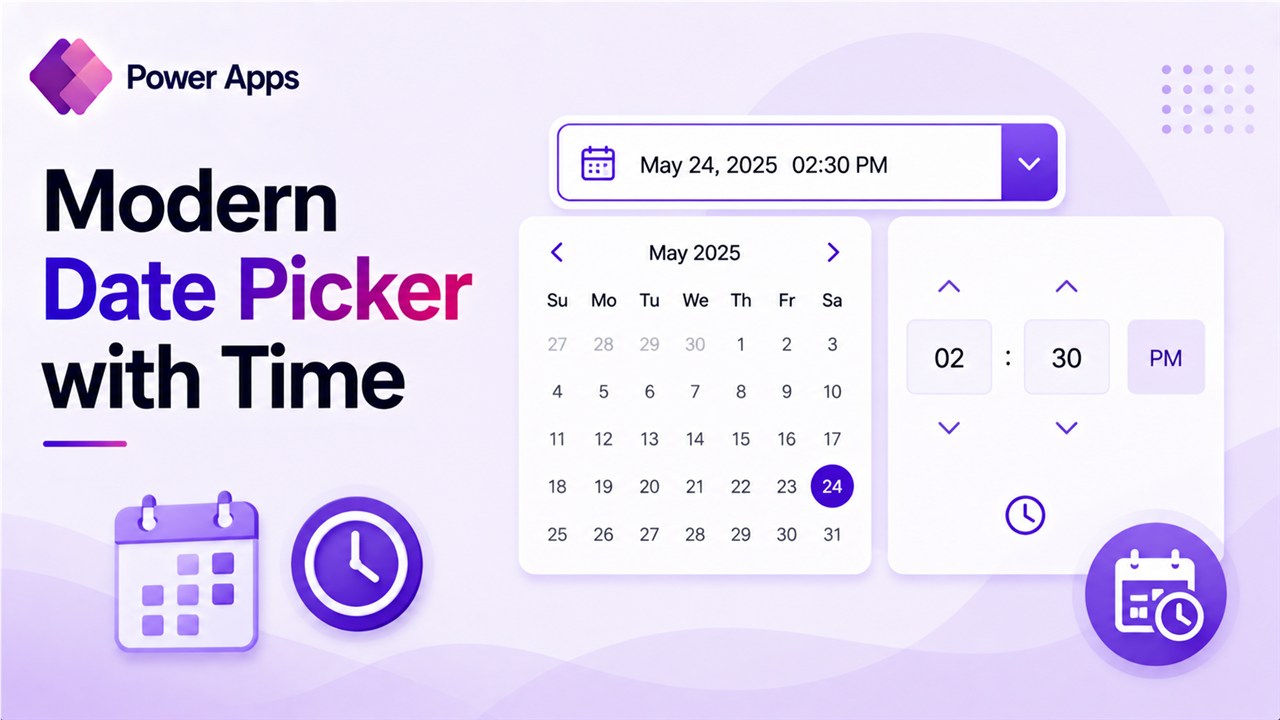
Power Apps Modern Date Picker with Time [With Examples]

Power Apps Modern Date Picker with Time

When building apps in Power Apps, one thing comes up again and again: users need to select a date and time. Think about common business scenarios: In most of these situations, capturing just the date is not enough. We usually need the exact time as well. Power Apps provides a Modern Date Picker control, which … Read more >>

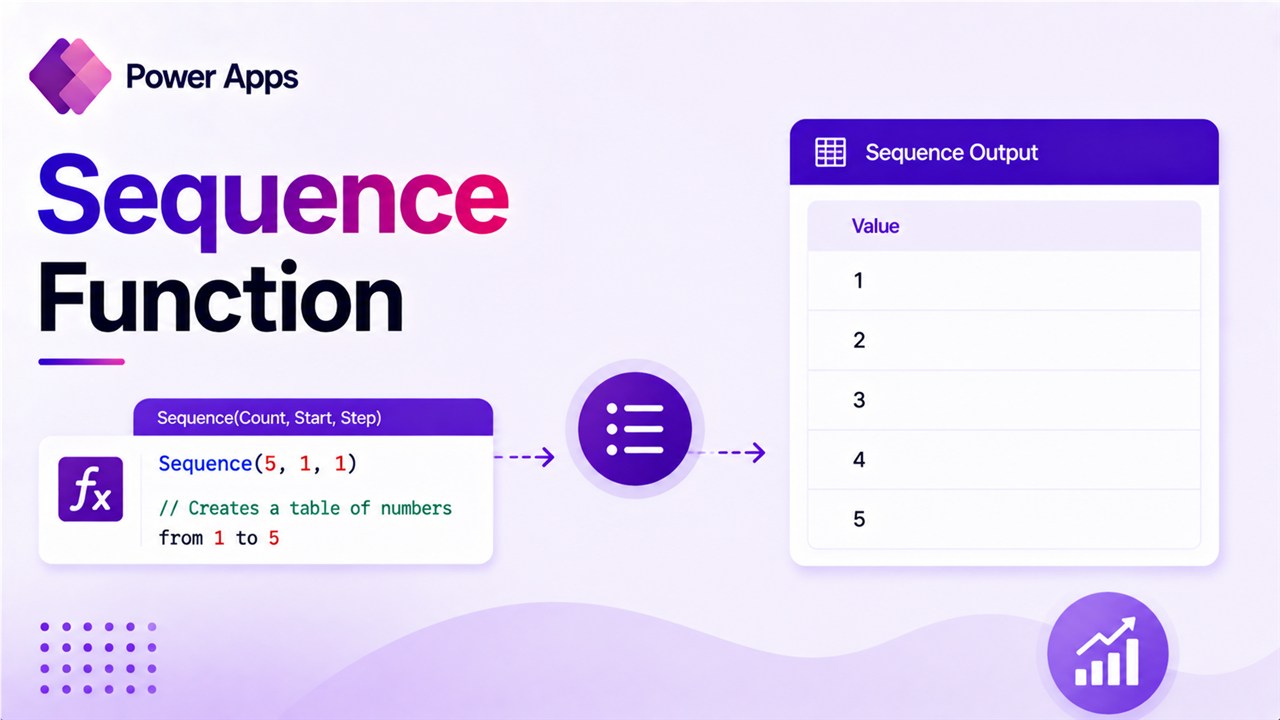
Sequence Function in Power Apps: Practical Guide with Real Examples

Sequence Function in Power Apps

When I first started building business applications in Power Apps, one challenge kept coming up: creating dynamic lists of numbers without storing them anywhere. One example is to generate numbers 1–10 for ratings. Traditionally, developers solved these problems by storing numbers in SharePoint lists or collections. But Power Apps gives us something much more efficient: the … Read more >>

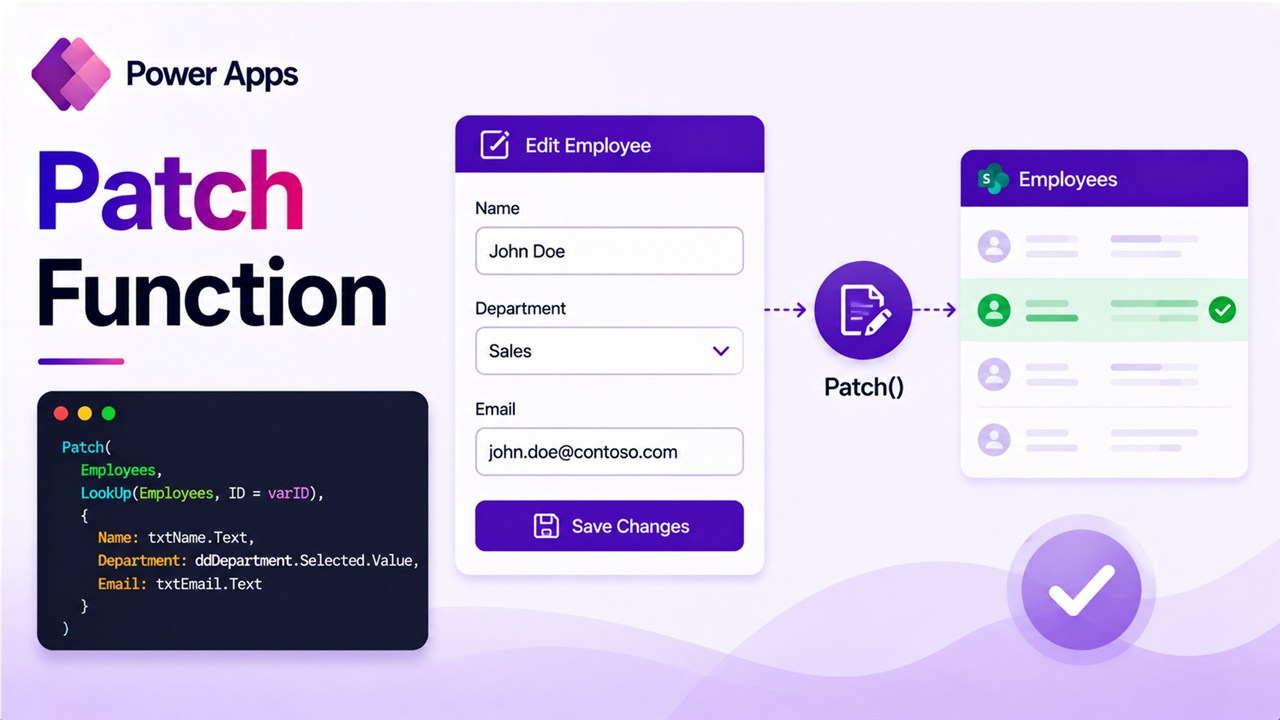
Patch Function in Power Apps [Examples to Create and Update Records]

Patch Function in Power Apps

If you’ve spent any time building Power Apps, you’ve probably run into situations where the default form controls just don’t cut it. You need to save data programmatically — maybe based on a button click, a condition, or across multiple screens. That’s exactly where the Patch function comes in, and once you understand it, you’ll use it … Read more >>

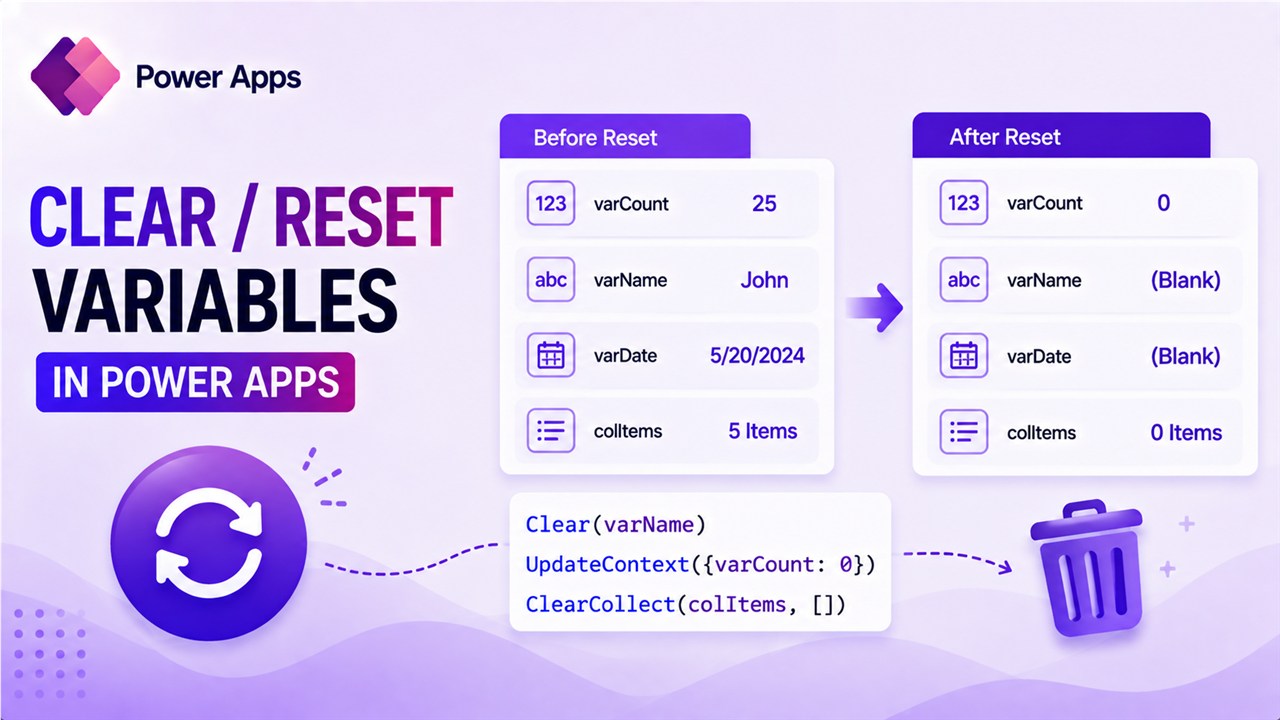
How to Clear/Reset Variables in Power Apps?

How to Clear or Reset Variables in Power Apps

While working with Power Apps variables, you might need to clear or reset them. In this tutorial, I will explain how to reset variables in Power Apps. You can use three types of variables in Power Apps, and I will show you how to clear each type of Power Apps variable. Reset Global Variables in … Read more >>

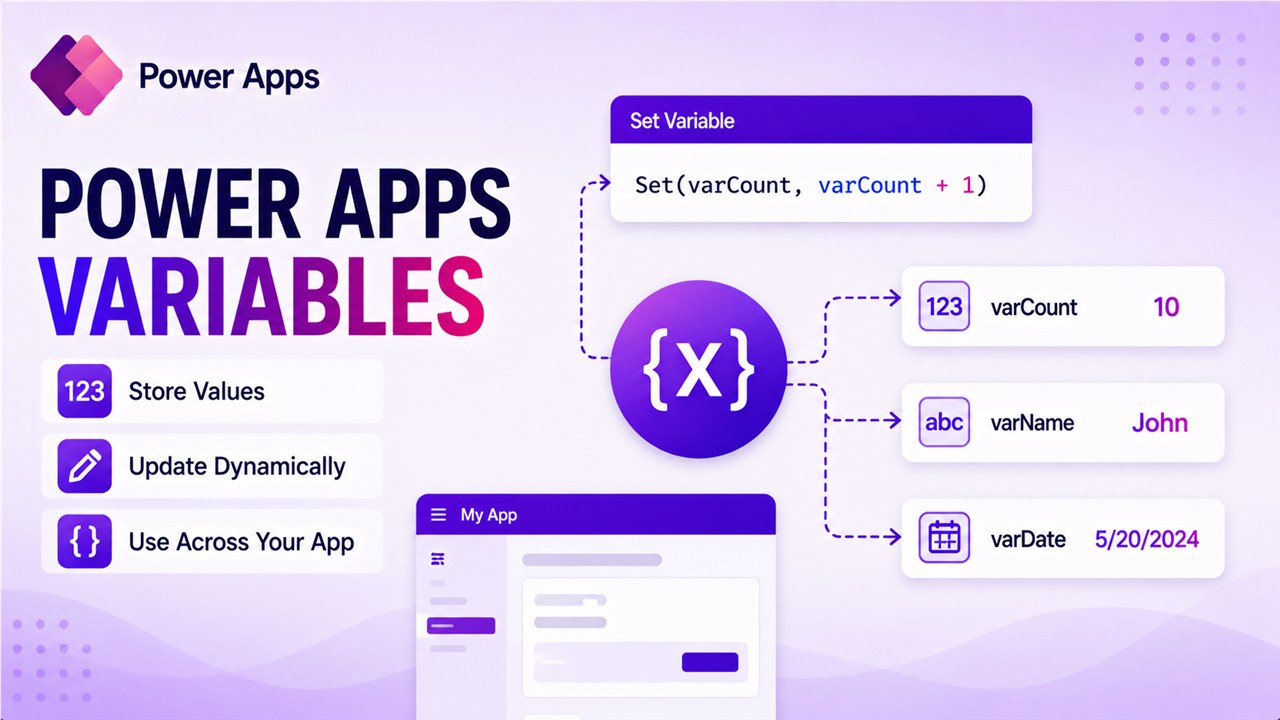
How to Work With Power Apps Variables?

Power Apps Variables

As a Power Apps developer, you should know how to use variables in Power Apps apps, especially when working with Canvas apps. Many professionals ask me this question all the time in the webinars. In this tutorial, I will explain how to work with Power Apps variables with examples. After reading this tutorial, you will … Read more >>

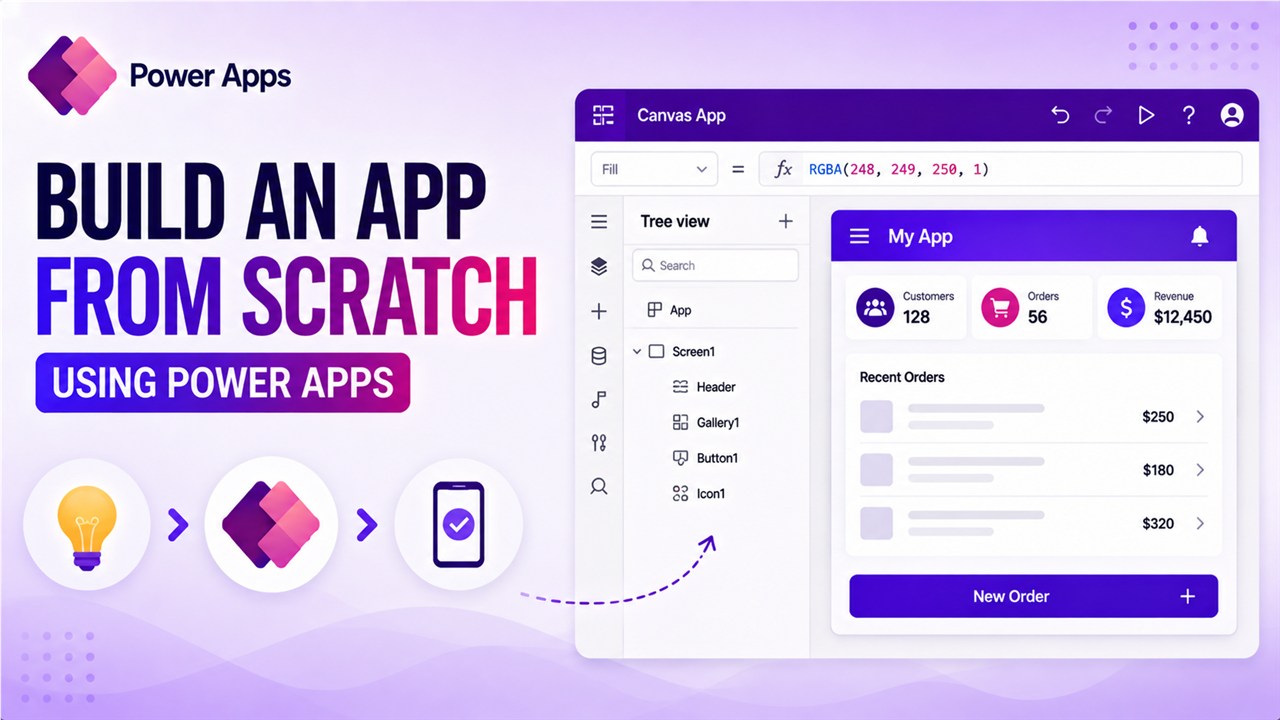
How to Build an App from Scratch using Power Apps?

Build an App from Scratch using Power Apps

If you are starting with Power Apps, this tutorial will be very helpful. In it, I will explain how to build an app from scratch using Power Apps. Here, I will create a canvas app which will have the below controls: When the user clicks on the button, it will display a greetings message using … Read more >>