How to Create an App in Power Apps using Copilot?
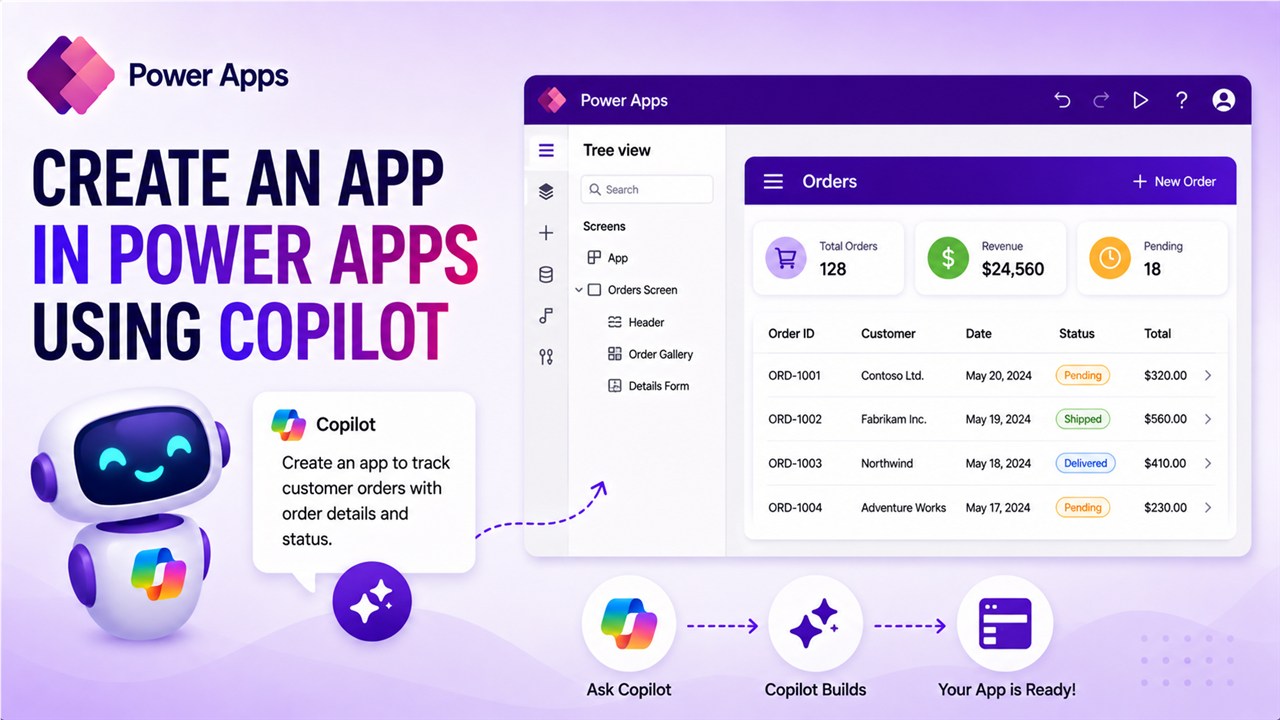
Create an App in Power Apps using Copilot

We all know Microsoft copilot is everywhere. You can build an app using AI in Power Apps. In this tutorial, I will show you how to create an app in Power Apps using Copilot. I will show you how to build and design a Power Apps app using AI. You can use natural language processing … Read more >>
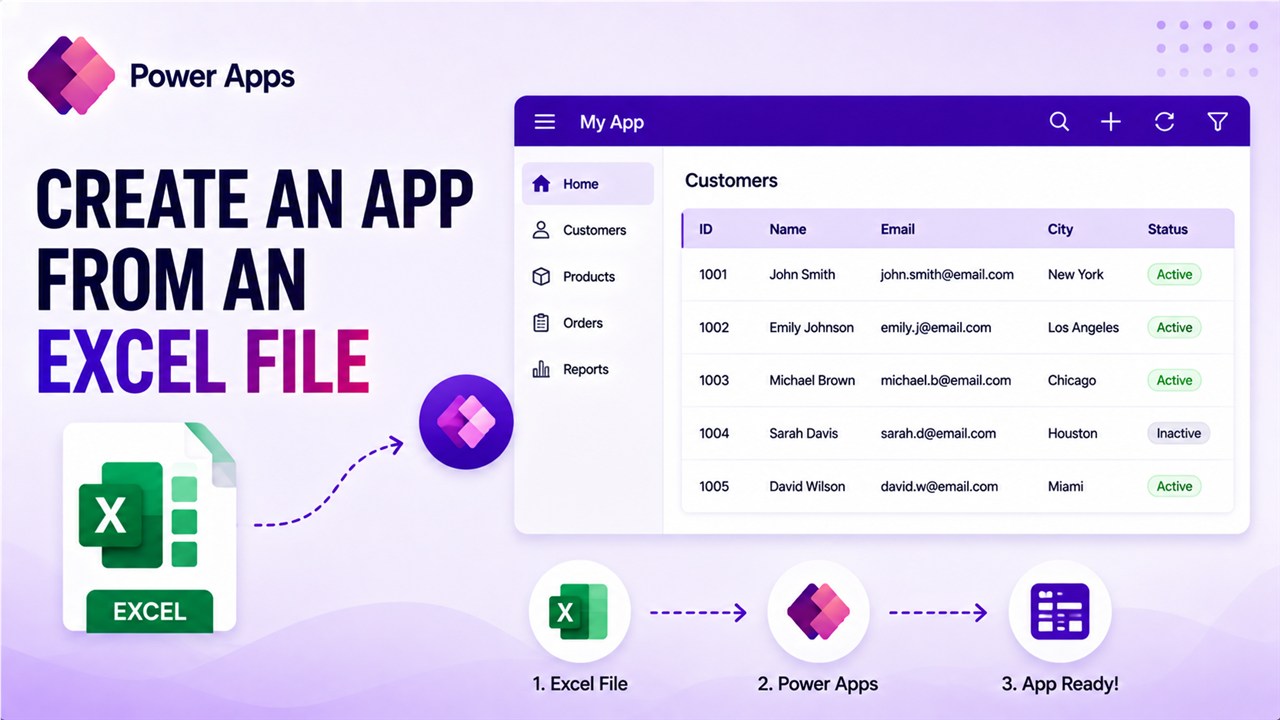
How to Create an App from an Excel File in Power Apps?

Create an App from an Excel File in Power Apps

For most of my Power Platform training, I start with this topic: creating an app from an Excel file in Microsoft Power Apps. This is easy, and you can follow it step by step here. In this tutorial, I will show you how to create an app from an Excel file in Power Apps. I … Read more >>

How to Get User Details in Power Apps?

Get User Details in Power Apps

You’re building a Power Apps application, and suddenly you realize you need to know who’s using it. Maybe you want to show a personalized welcome message, route approvals to the right manager, or simply log who submitted a form. Whatever the reason, getting user details in Power Apps is one of those everyday tasks that … Read more >>

Power Apps OnStart Property [With Examples]

Power Apps OnStart Property

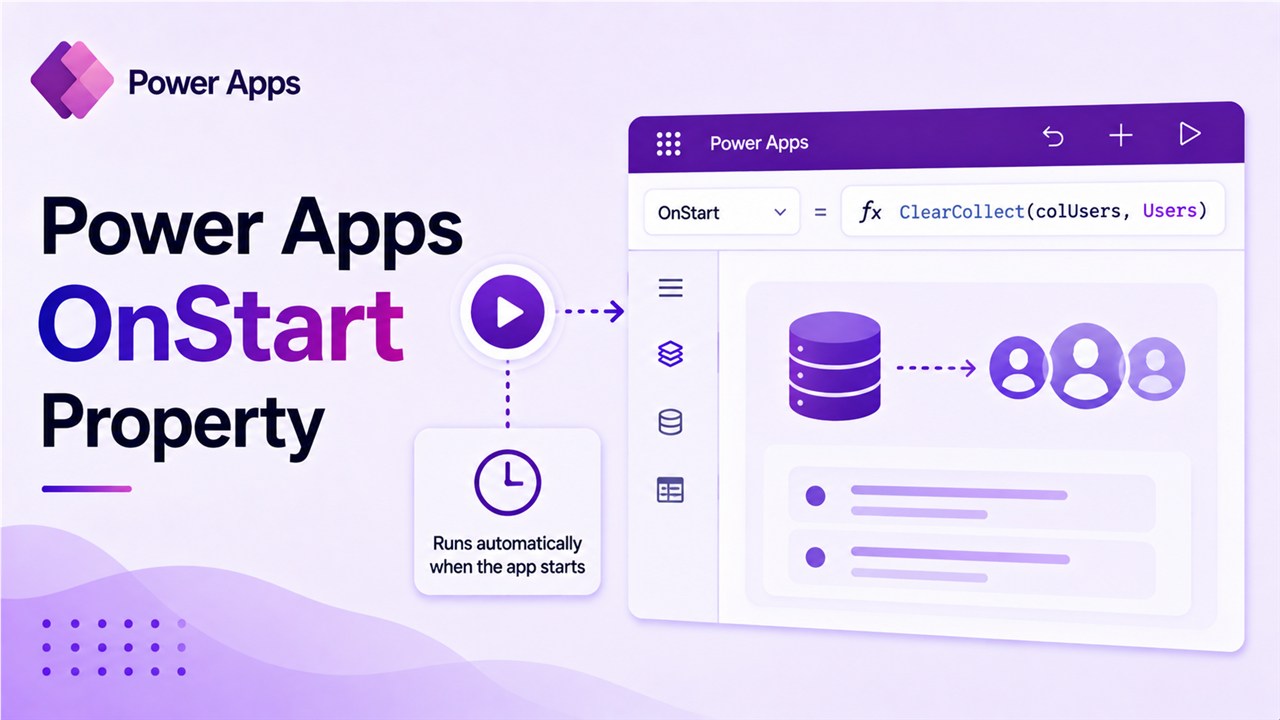
The OnStart property in Power Apps is useful and runs when an app starts, allowing you to control the app’s behavior and load data efficiently. In this tutorial, I will explain how to use the OnStart property in Power Apps to optimize app performance and enhance the user experience with some useful examples. OnStart Property … Read more >>

Power Apps Navigate Function: A Complete Guide (With Real Examples)

Power Apps Navigate Function

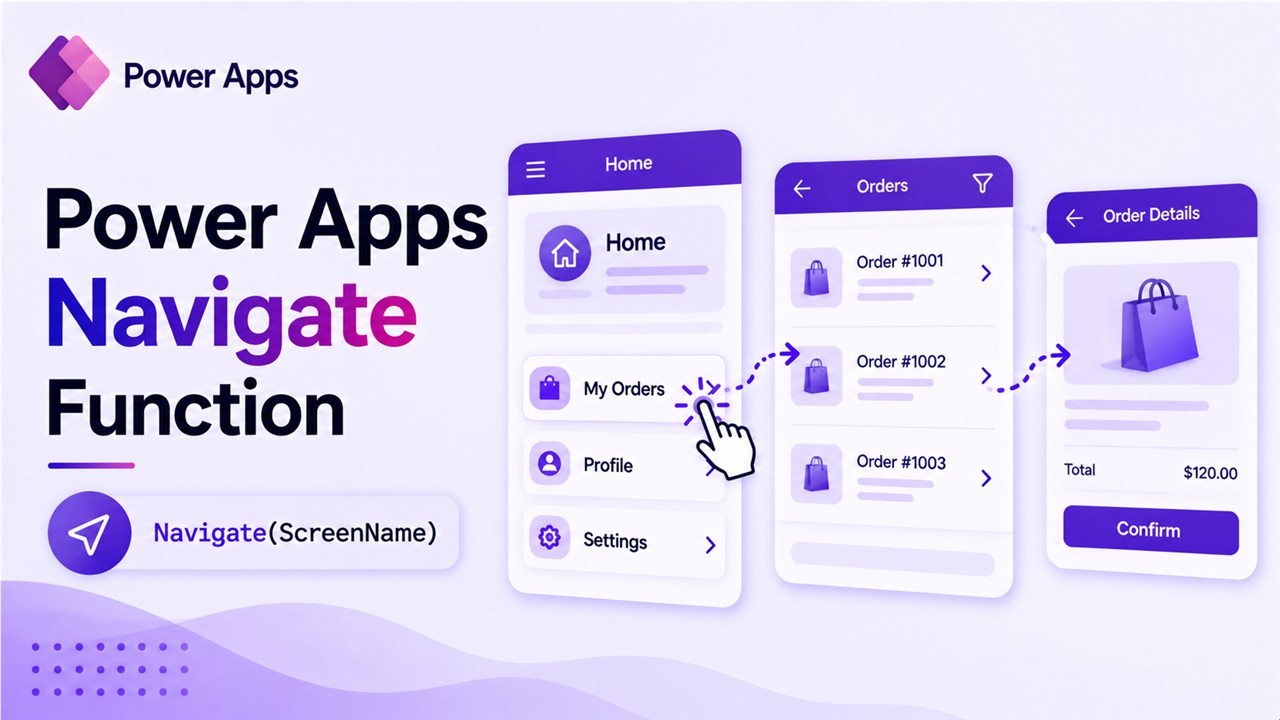
If you’ve ever built a multi-screen app in Power Apps and wondered how to move users from one screen to another — smoothly, intelligently, and with data passing between those screens — the Navigate function is your answer. In this tutorial, I’ll walk you through everything from the basic syntax to advanced patterns like conditional navigation and … Read more >>

Power Apps Notify Function: Display Notifications in Canvas Apps

Power Apps Notify Function

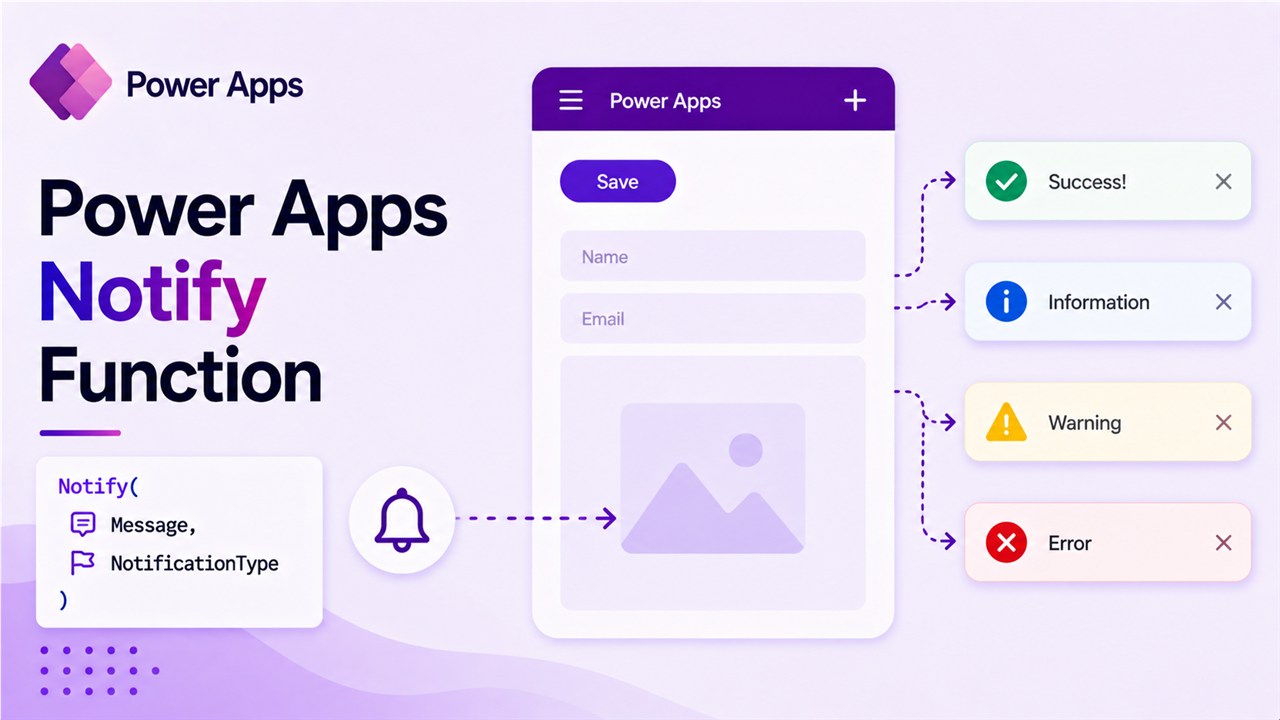
Imagine you’ve built a Power Apps canvas app for your HR team. Users fill in an employee onboarding form and hit the Submit button. The data saves to SharePoint — but the screen just sits there, completely silent. No confirmation, no error, nothing. Users start clicking the button again and again, thinking it didn’t work. Now you … Read more >>

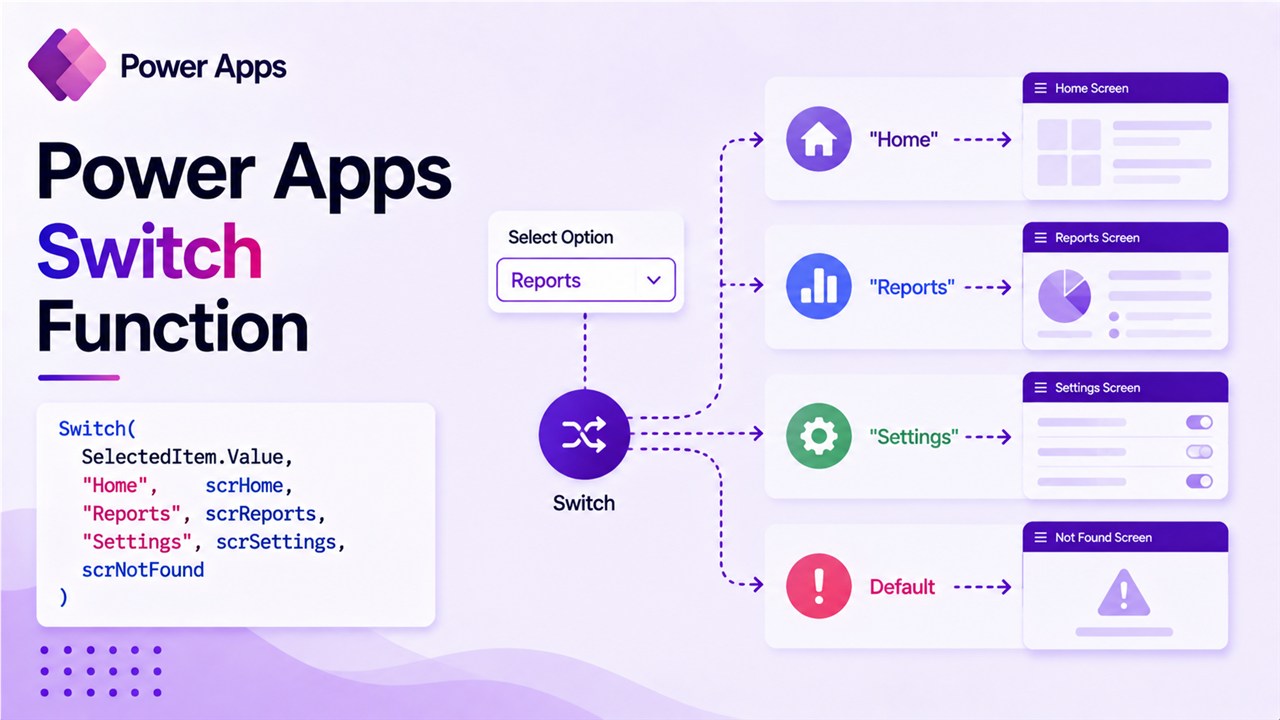
Power Apps Switch Function: A Complete Guide (With Real Examples)

Power Apps Switch Function

When I build business apps in Power Apps, I often run into situations where the app needs to behave differently depending on a value selected by the user. For example, imagine you are building a ticket management system for an IT helpdesk. Each ticket has a status such as: Now, depending on the status, the … Read more >>

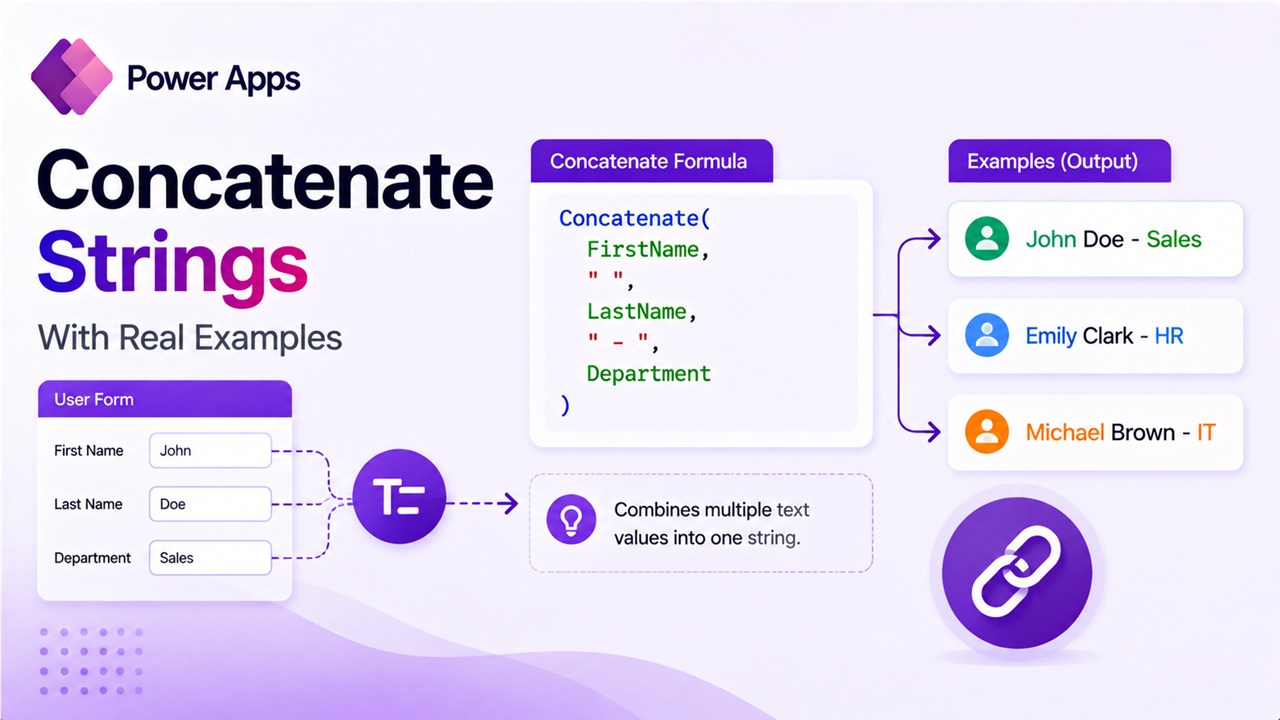
Power Apps Concatenate Strings (With Real Examples)

Power Apps Concatenate Strings

Look, I get it. You’re building a Power App and need to combine some text. Maybe it’s a first name and a last name. Maybe it’s building an email address. Or perhaps you’re creating a custom message that pulls in data from different columns. Whatever it is, you need to concatenate strings in Power Apps. … Read more >>

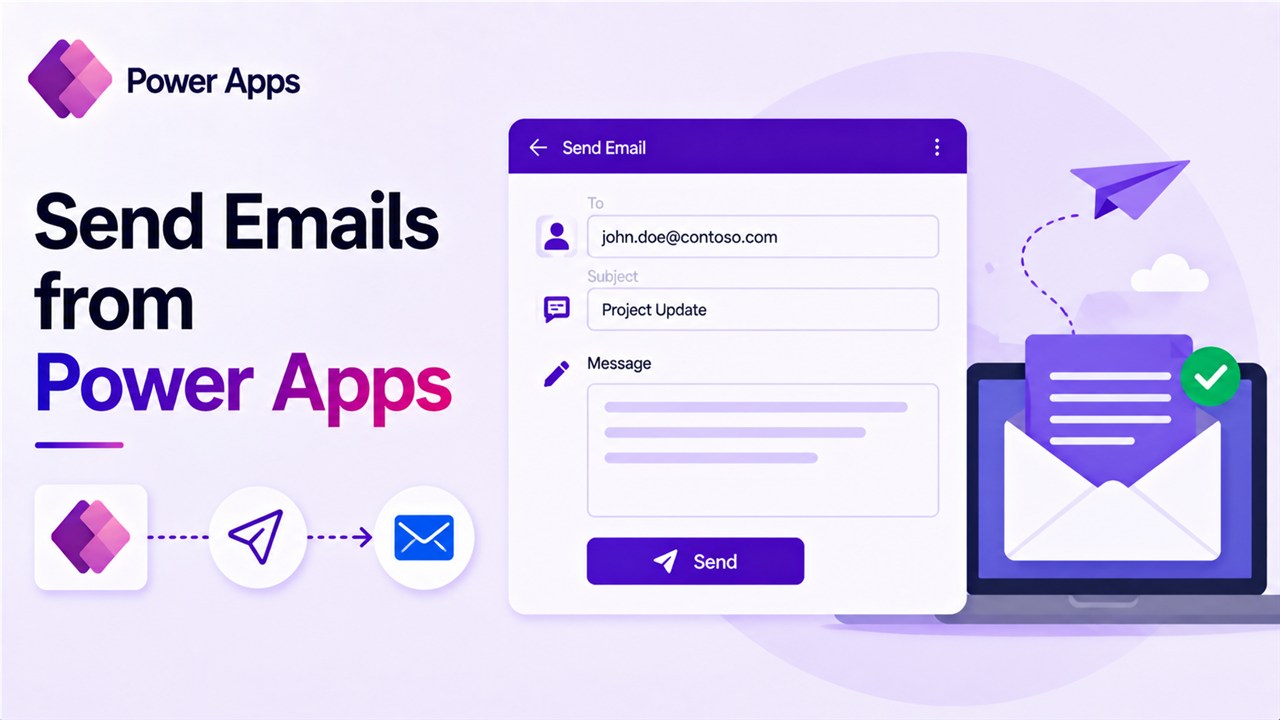
How to Send Emails from Power Apps [Using Various Methods]

How to Send Emails from Power Apps

When building business applications using Power Apps, many organizations want their apps to do more than just collect data. For example, imagine an employee submitting a leave request or a manager approving a task. In these situations, users often expect an automatic email notification so that the next person in the process is informed immediately. … Read more >>