
How to Display Manager Name and Email in a Power Apps Gallery
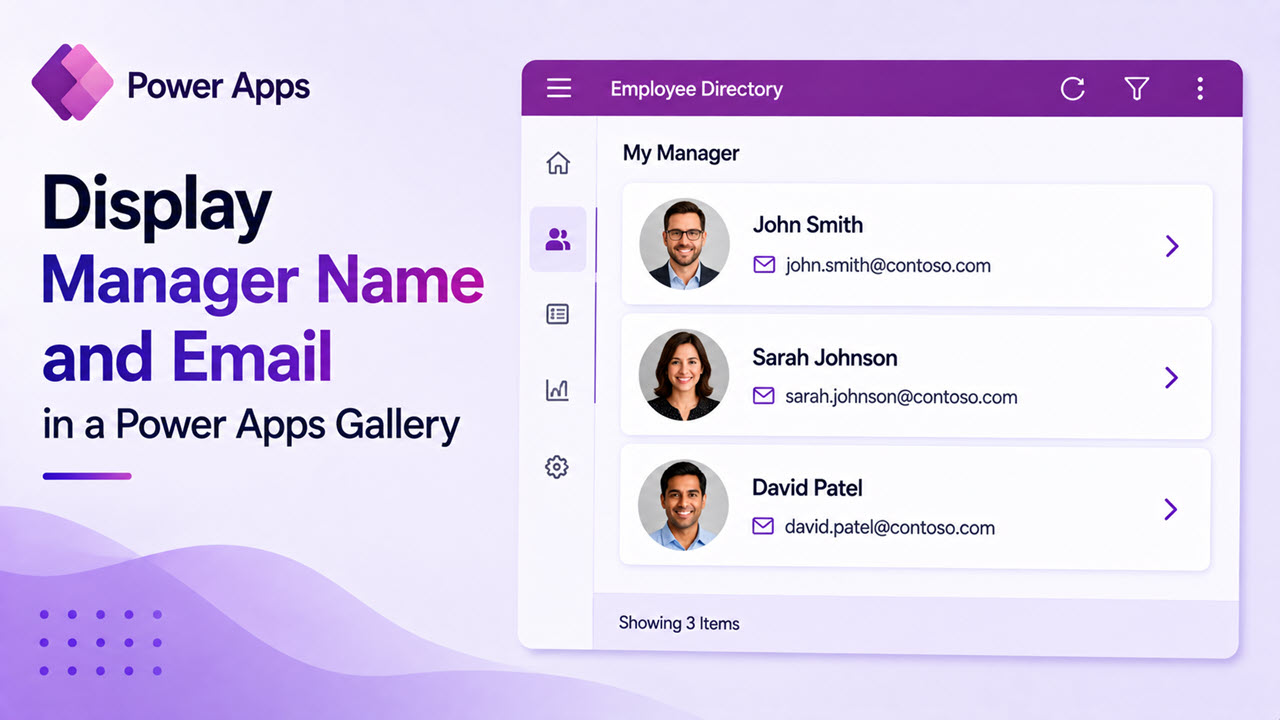
Display Manager Name and Email in a Power Apps

If you’ve built a gallery in Power Apps that shows a list of employees, teammates, or records, you’ve probably wondered — how do I also show who their manager is? Maybe you want a team directory that shows each person alongside their manager, or a request list where reviewers can see the chain of ownership … Read more >>
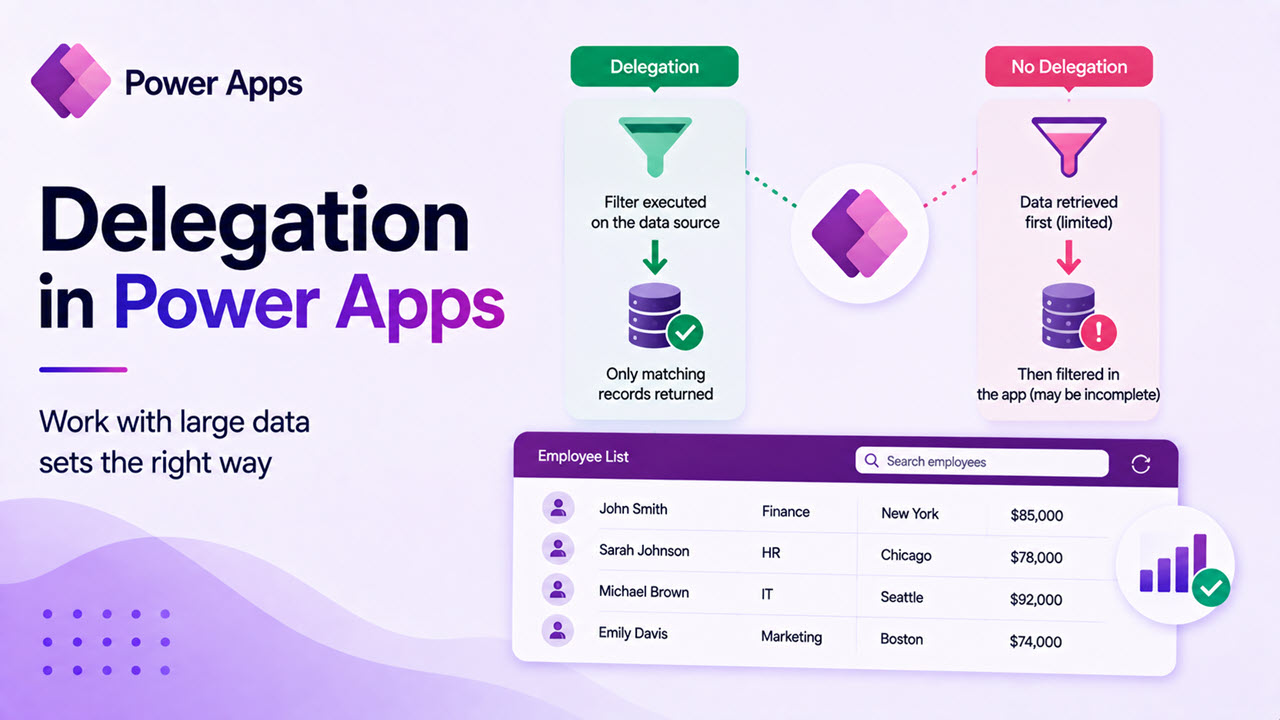
Delegation in Power Apps: The Complete Guide (With Examples)

Delegation in Power Apps

If you’ve been building Power Apps for a while, you’ve probably run into that annoying yellow warning triangle sitting next to your formula. Or maybe your app looked great during testing, but started showing missing records once real data was loaded. Nine times out of ten, delegation is the reason. In this guide, I’m going … Read more >>

How to Get User Details in Power Apps?

Get User Details in Power Apps

You’re building a Power Apps application, and suddenly you realize you need to know who’s using it. Maybe you want to show a personalized welcome message, route approvals to the right manager, or simply log who submitted a form. Whatever the reason, getting user details in Power Apps is one of those everyday tasks that … Read more >>

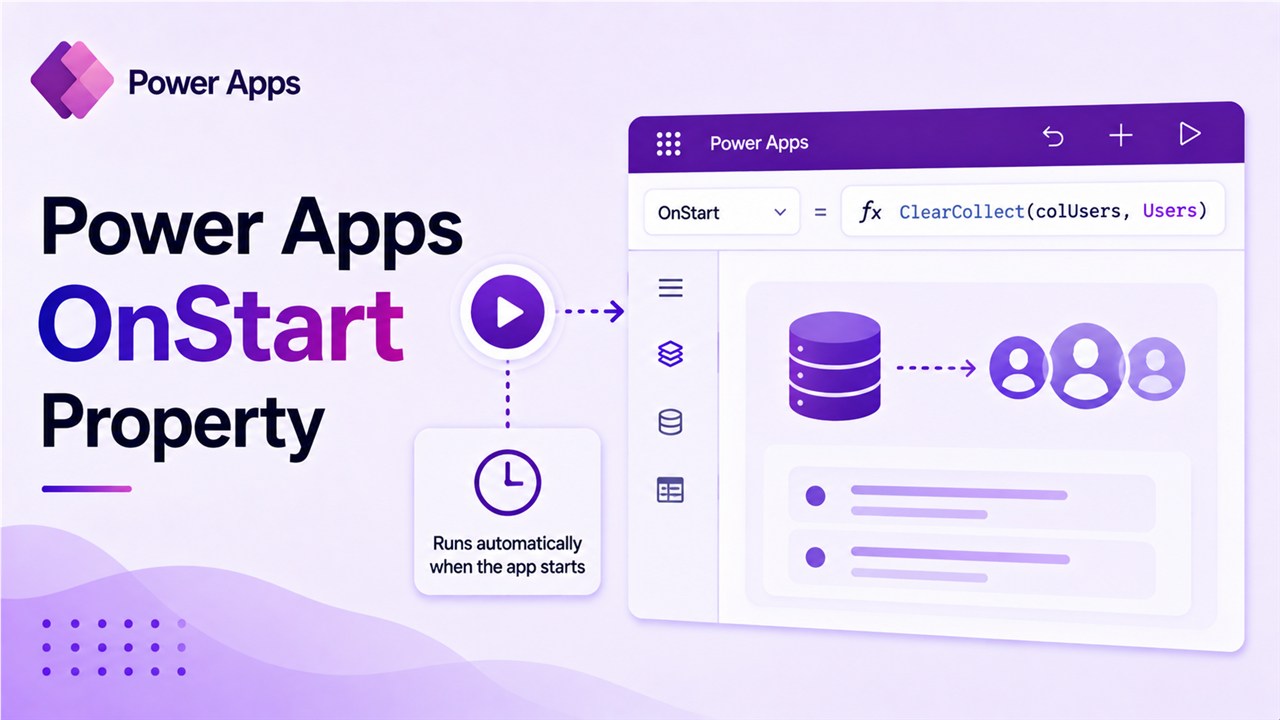
Power Apps OnStart Property [With Examples]

Power Apps OnStart Property

The OnStart property in Power Apps is useful and runs when an app starts, allowing you to control the app’s behavior and load data efficiently. In this tutorial, I will explain how to use the OnStart property in Power Apps to optimize app performance and enhance the user experience with some useful examples. OnStart Property … Read more >>

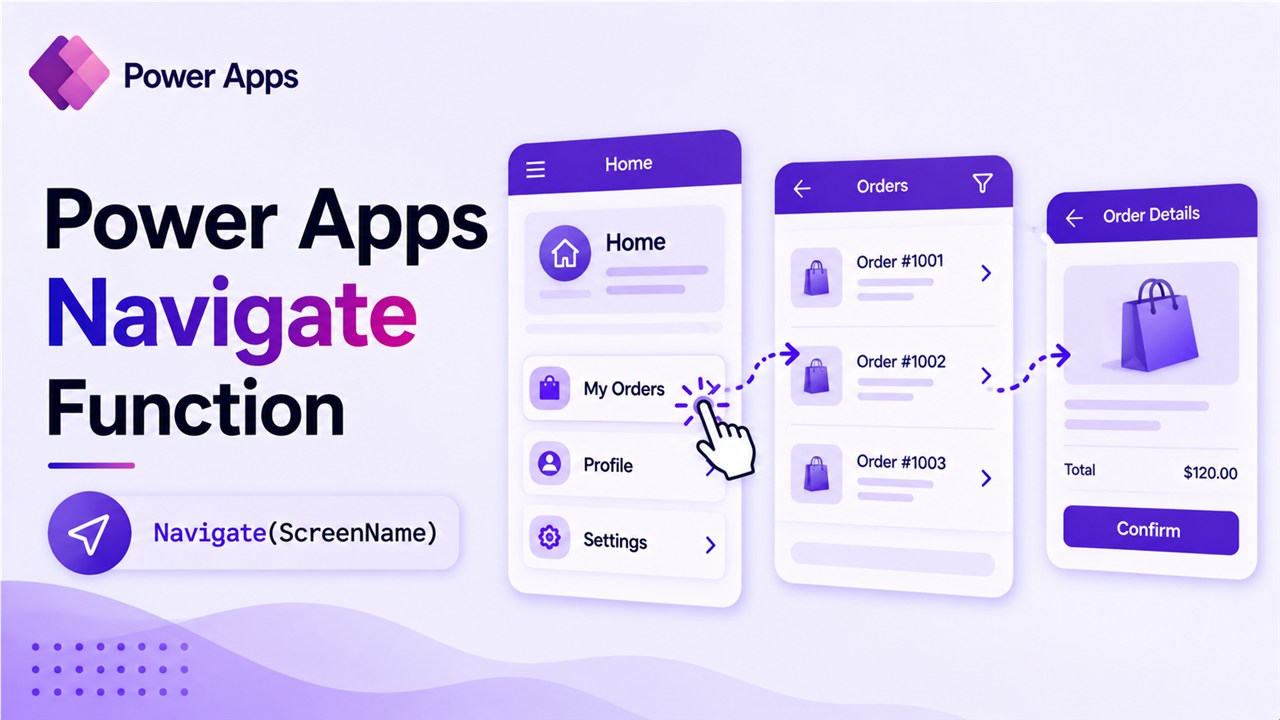
Power Apps Navigate Function: A Complete Guide (With Real Examples)

Power Apps Navigate Function

If you’ve ever built a multi-screen app in Power Apps and wondered how to move users from one screen to another — smoothly, intelligently, and with data passing between those screens — the Navigate function is your answer. In this tutorial, I’ll walk you through everything from the basic syntax to advanced patterns like conditional navigation and … Read more >>

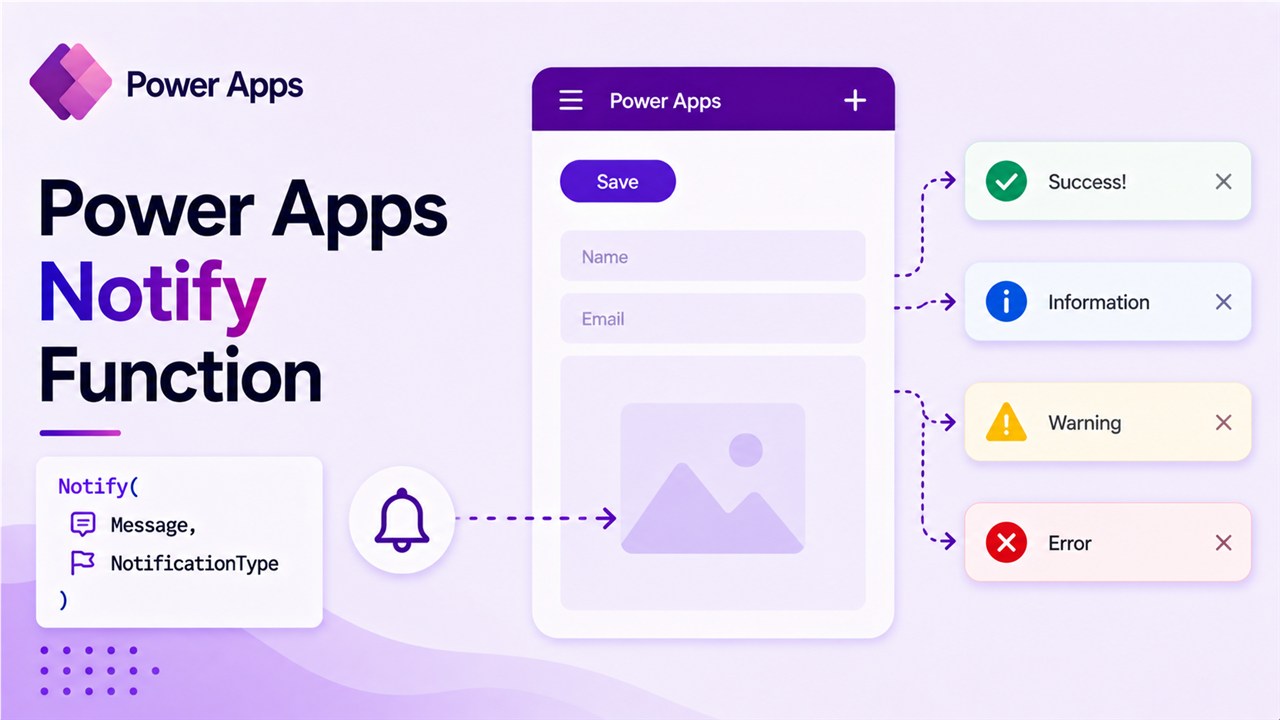
Power Apps Notify Function: Display Notifications in Canvas Apps

Power Apps Notify Function

Imagine you’ve built a Power Apps canvas app for your HR team. Users fill in an employee onboarding form and hit the Submit button. The data saves to SharePoint — but the screen just sits there, completely silent. No confirmation, no error, nothing. Users start clicking the button again and again, thinking it didn’t work. Now you … Read more >>

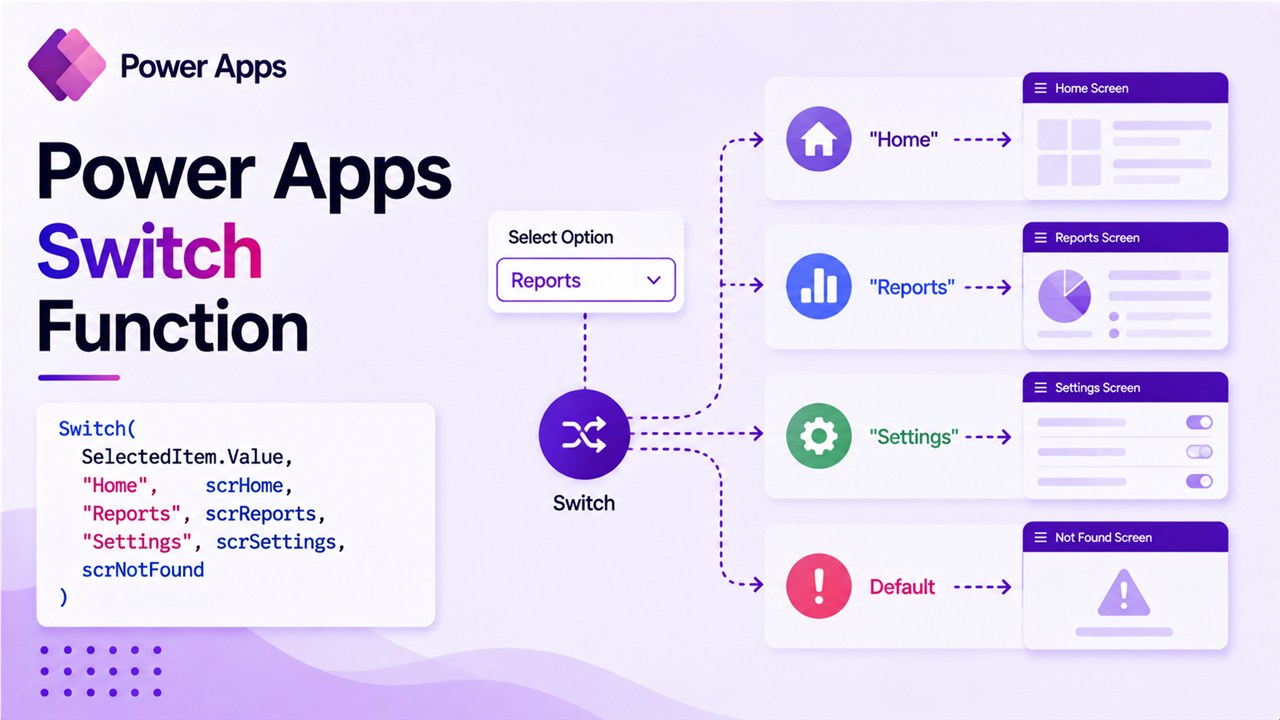
Power Apps Switch Function: A Complete Guide (With Real Examples)

Power Apps Switch Function

When I build business apps in Power Apps, I often run into situations where the app needs to behave differently depending on a value selected by the user. For example, imagine you are building a ticket management system for an IT helpdesk. Each ticket has a status such as: Now, depending on the status, the … Read more >>

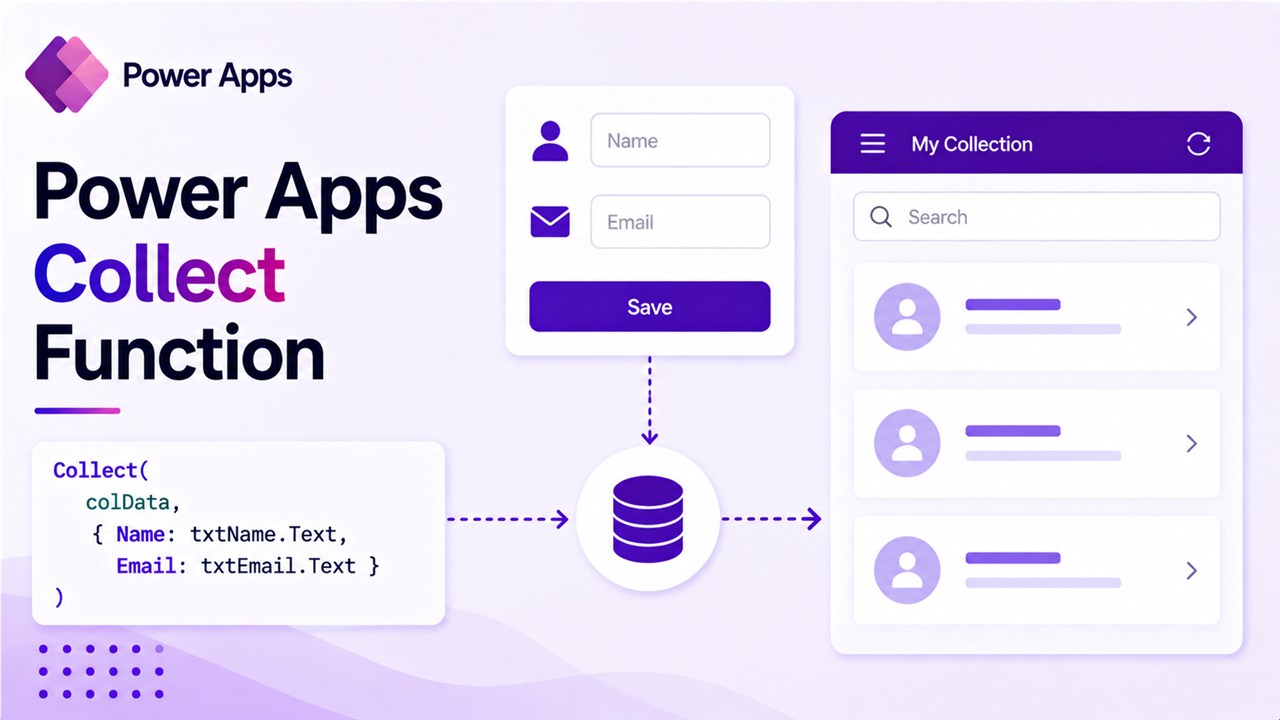
Power Apps Collect Function (With Real Examples)

Power Apps Collect Function

When building apps in Power Apps, you often need a way to temporarily store data while the user interacts with the application. For example, imagine a scenario where users select multiple items from a gallery, add products to a cart, or store form inputs before saving them to a SharePoint list or another data source. … Read more >>

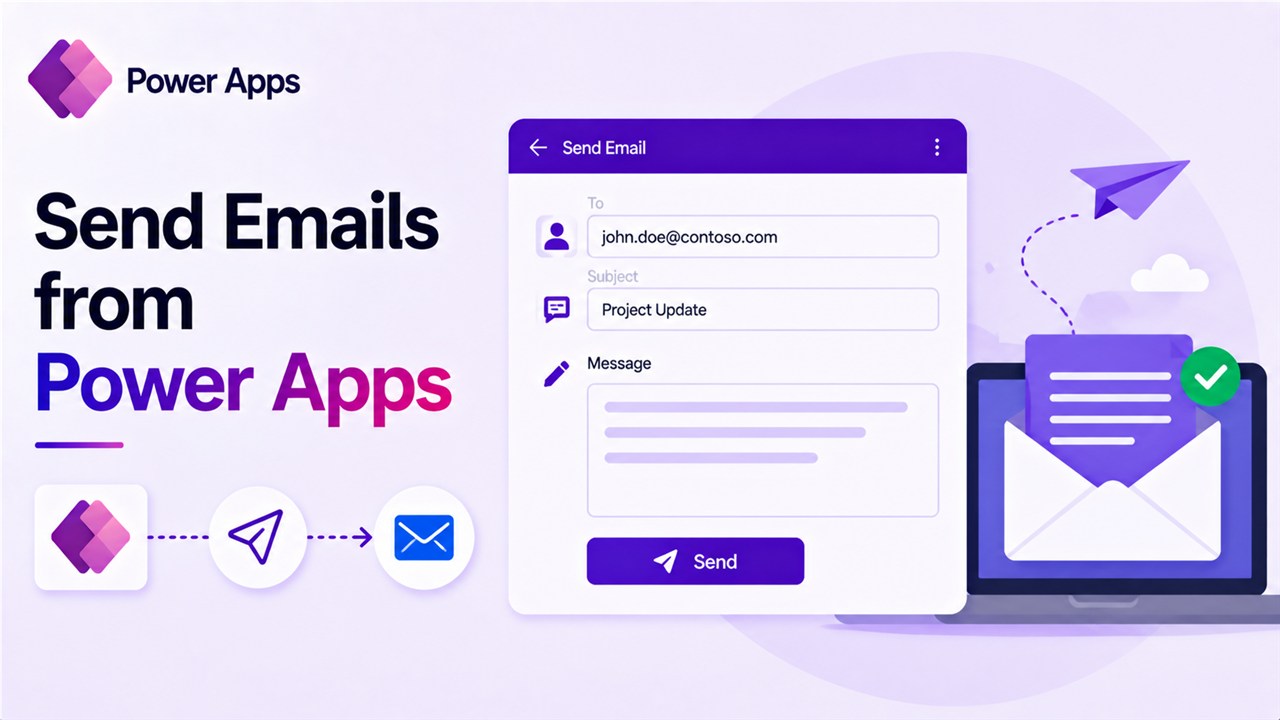
How to Send Emails from Power Apps [Using Various Methods]

How to Send Emails from Power Apps

When building business applications using Power Apps, many organizations want their apps to do more than just collect data. For example, imagine an employee submitting a leave request or a manager approving a task. In these situations, users often expect an automatic email notification so that the next person in the process is informed immediately. … Read more >>