
How to Add Hover Effects to Power Apps Gallery (4 Ways)
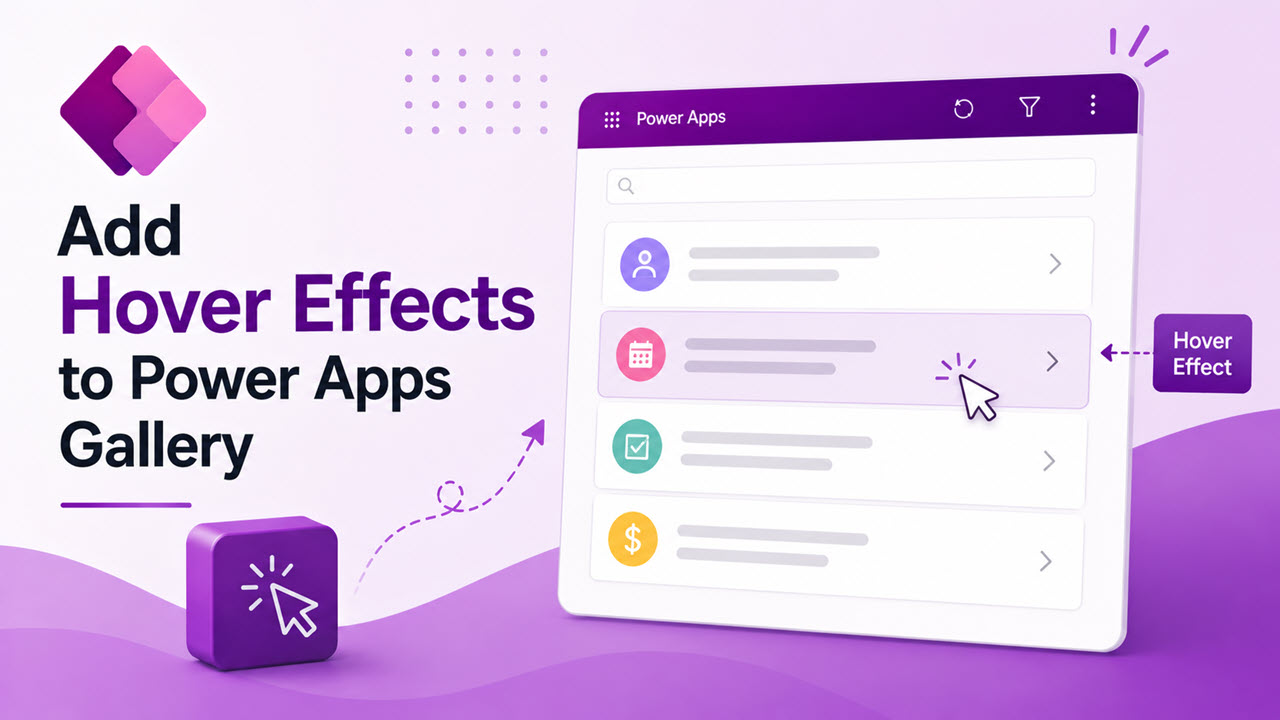
Add Hover Effects to Power Apps Gallery

Ever built a gallery in Power Apps and noticed it feels flat? Users click around, but nothing tells them an item is clickable until they actually tap it. That lack of feedback makes your app feel unfinished, even if the data behind it works perfectly. A hover effect is a small visual change — such … Read more >>
What is Microsoft Copilot Studio? (5 Key Ways to Build AI Agents)

What is Microsoft Copilot Studio

Your employees keep asking the same questions every day — “How do I submit a leave request?” “What’s the IT helpdesk number?” “Where do I find the expense form?” Your support team is buried. And you know there has to be a better way. Microsoft Copilot Studio is that better way. It’s a low-code, graphical … Read more >>

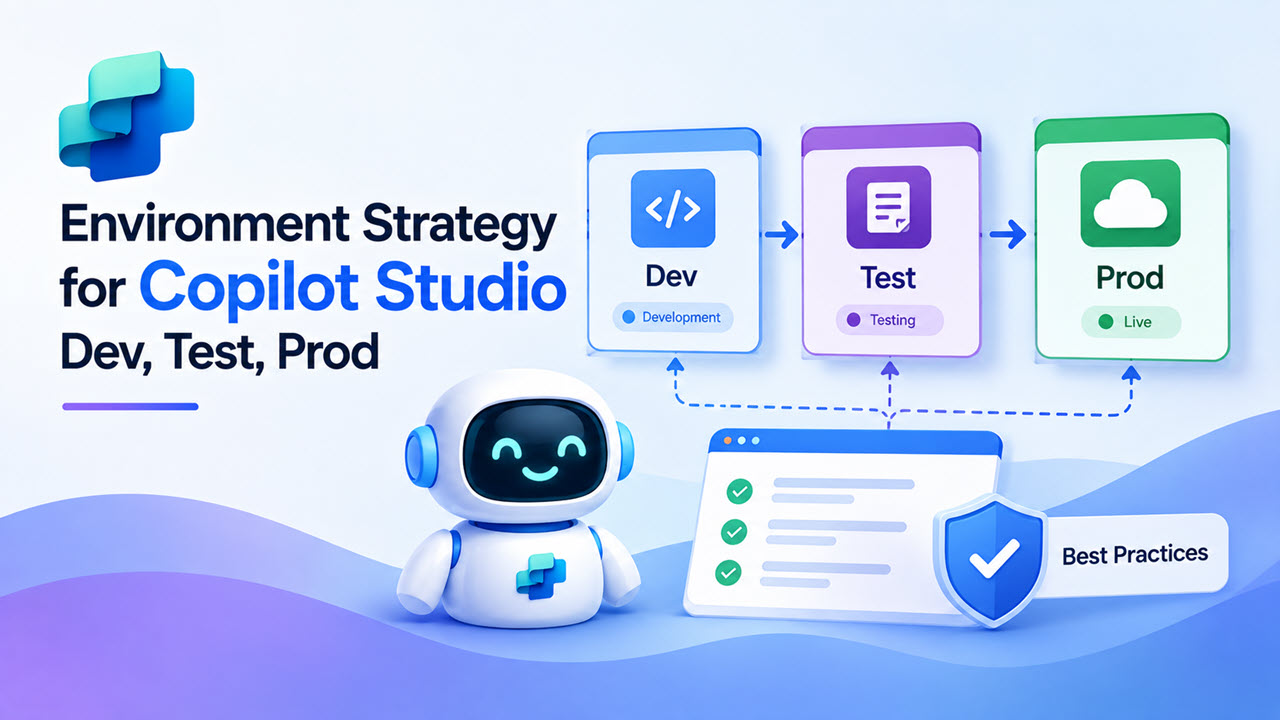
Environment Strategy for Copilot Studio: Dev, Test, Prod Best Practices

Environment Strategy for Copilot Studio

If you’ve ever built a Copilot Studio agent and then wondered “how do I actually move this to production without breaking everything,” you’re in the right place. This is one of the most common pain points I see teams hit, especially those new to Power Platform ALM (Application Lifecycle Management). Microsoft has solid guidance now. … Read more >>

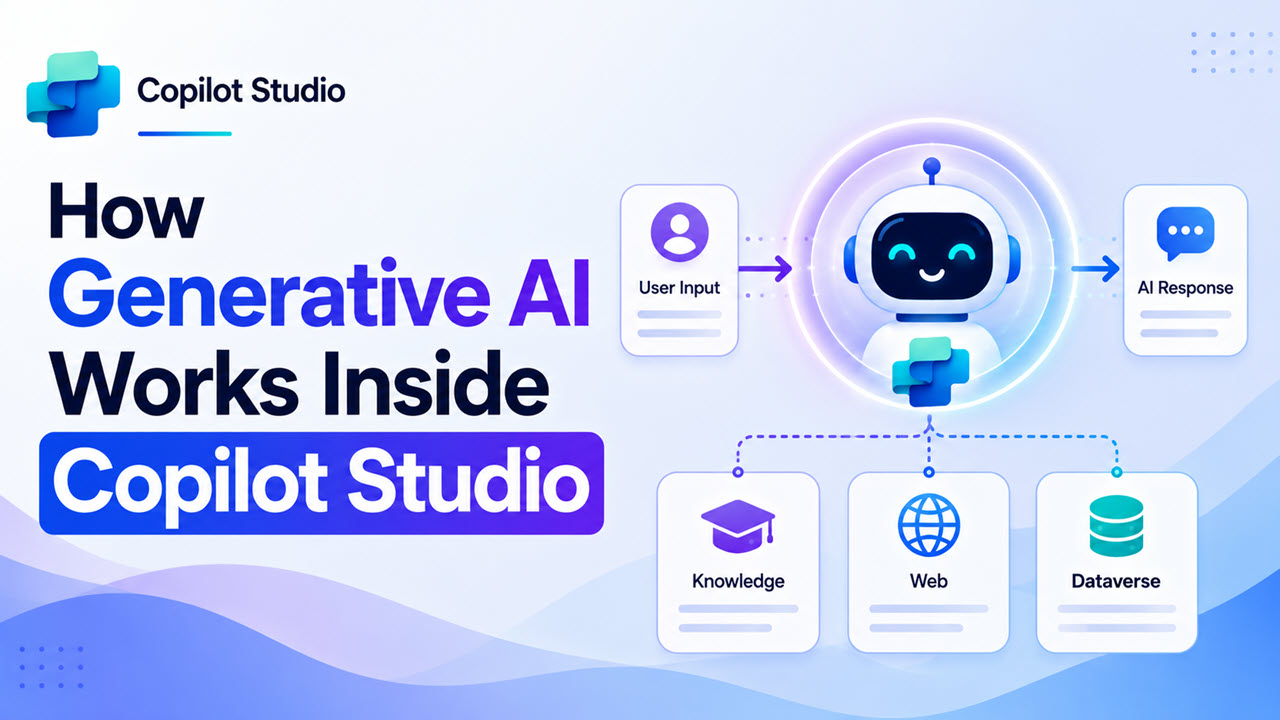
How Generative AI Works Inside Copilot Studio (Explained for Non-Developers)

Generative AI Works Inside Copilot Studio

If you’ve heard the term “generative AI” thrown around a lot lately and you’re not quite sure what it actually means inside Microsoft Copilot Studio — you’re in the right place. I’m going to walk you through exactly how generative AI powers Copilot Studio agents, in plain English. No jargon, no fluff, and definitely no … Read more >>

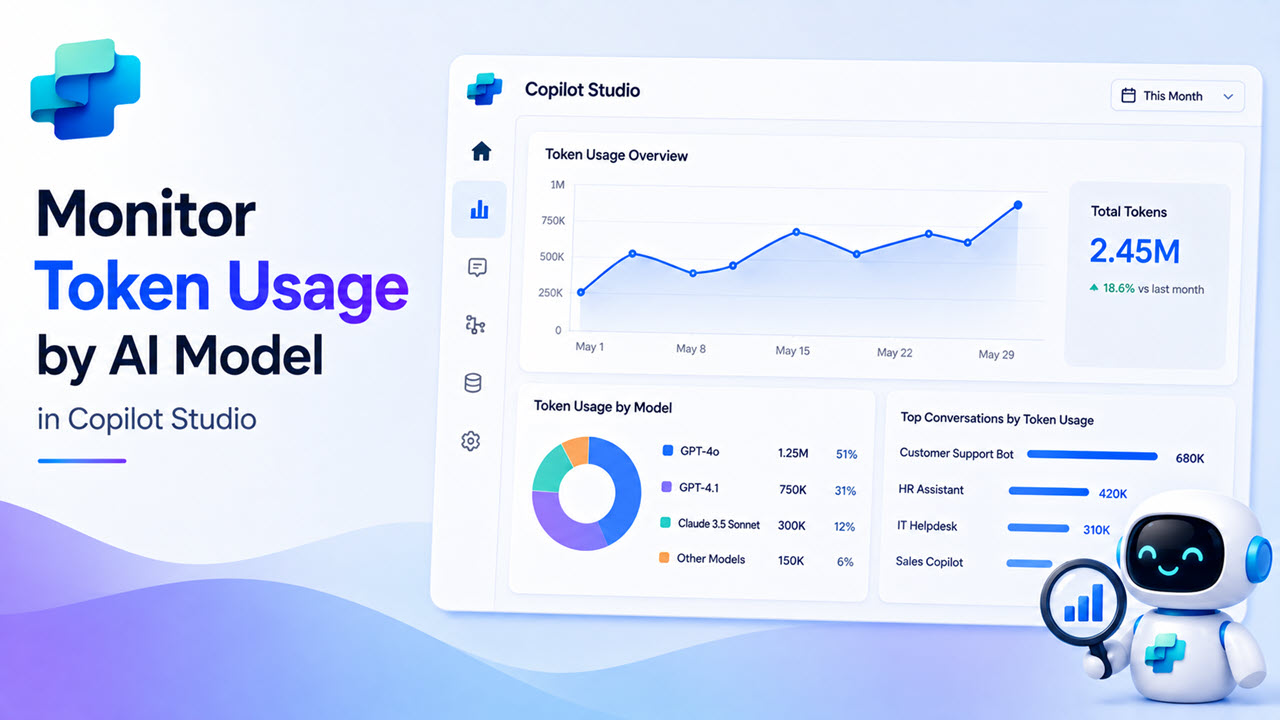
How to Monitor Token Usage by AI Model in Copilot Studio

Monitor Token Usage by AI Model in Copilot Studio

If you’ve already picked your AI model in Copilot Studio — great. Now there’s a follow-up question that catches a lot of people off guard: how much is this actually costing me? Token usage, Copilot Credits, billing meters — these terms get thrown around a lot, and it’s easy to ignore them until you suddenly get … Read more >>

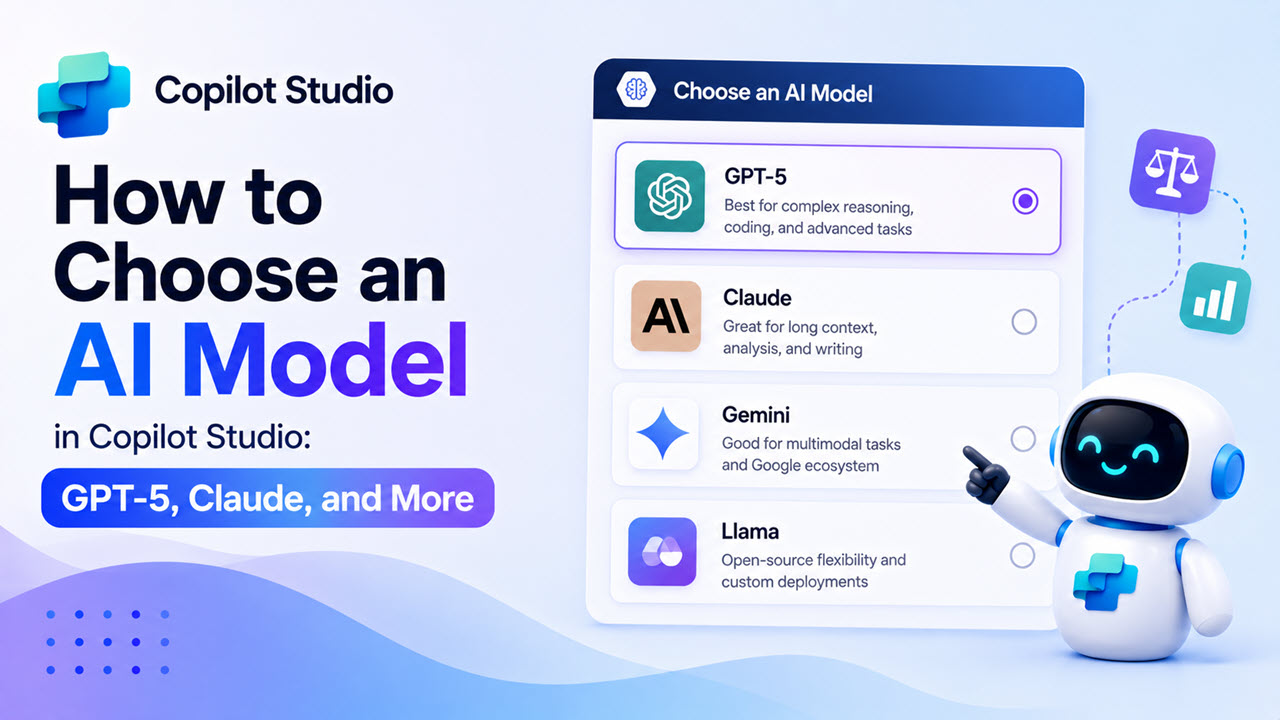
How to Choose an AI Model in Copilot Studio: GPT-5, Claude, and More

Choose an AI Model in Copilot Studio

If you’ve opened Copilot Studio recently and noticed a dropdown to select your agent’s AI model, you’re not alone in wondering — which one should I pick? The options have expanded fast. You’ve got GPT-4.1, GPT-5 Chat, GPT-5 Reasoning, Claude Sonnet 4.5, Claude Opus 4.1, and more. It can feel overwhelming when you’re just trying to build … Read more >>

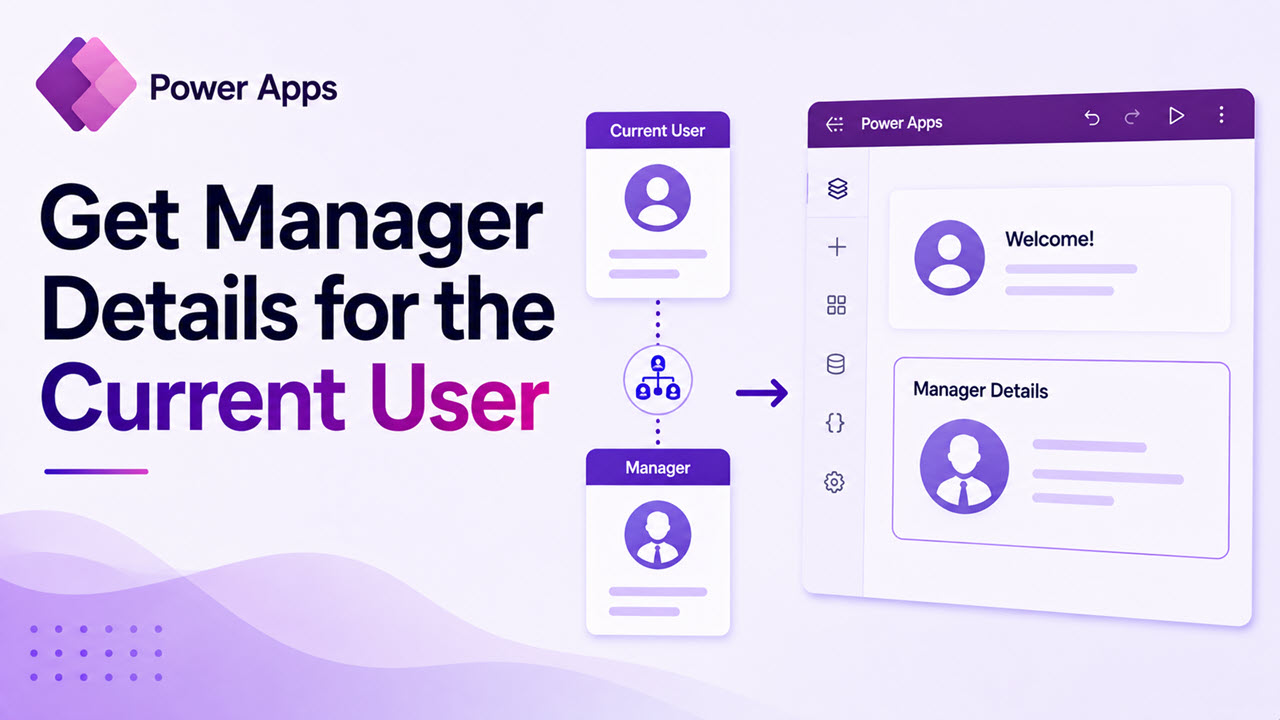
How to Get Manager Details for the Current User in Power Apps

Get Manager Details for the Current User in Power Apps

In many business applications, displaying manager information for the current logged-in user is a common requirement. Whether you are building an employee directory, leave request system, approval workflow, or organizational dashboard, having access to manager details can help create more personalized and automated experiences in Power Apps. Fortunately, Power Apps makes this process simple by … Read more >>