
How Generative AI Works Inside Copilot Studio (Explained for Non-Developers)
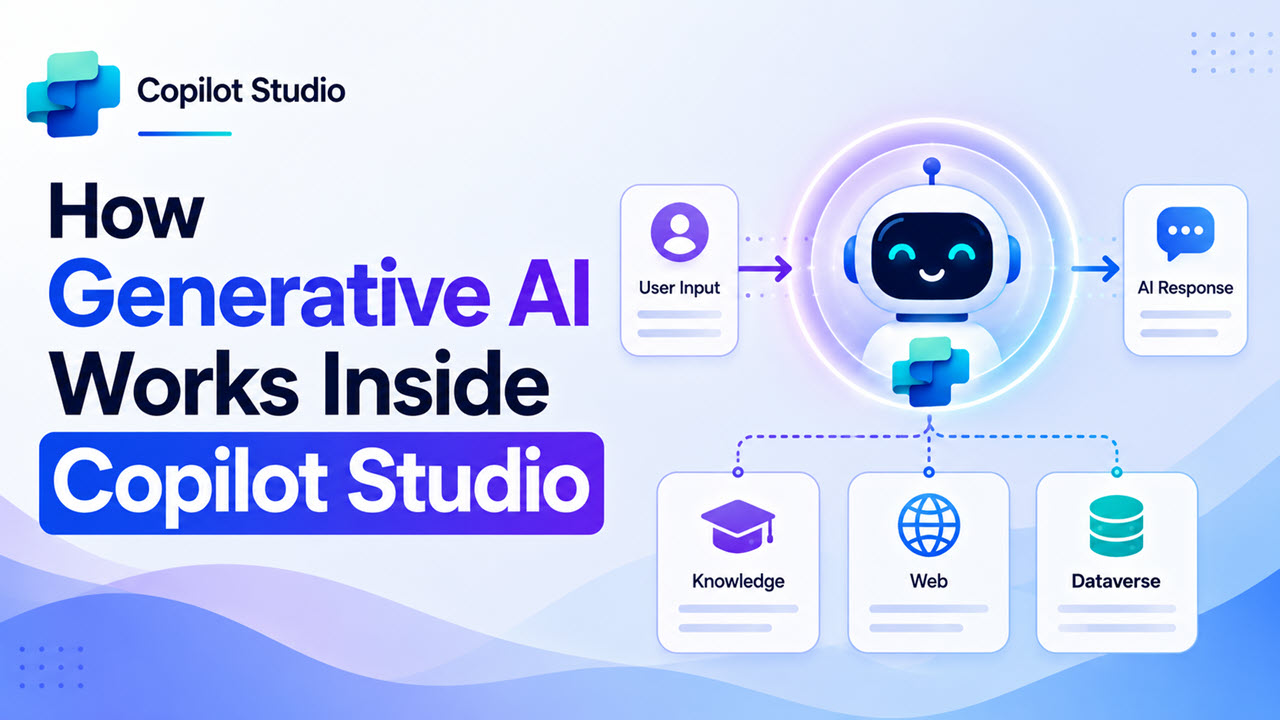
Generative AI Works Inside Copilot Studio

If you’ve heard the term “generative AI” thrown around a lot lately and you’re not quite sure what it actually means inside Microsoft Copilot Studio — you’re in the right place. I’m going to walk you through exactly how generative AI powers Copilot Studio agents, in plain English. No jargon, no fluff, and definitely no … Read more >>
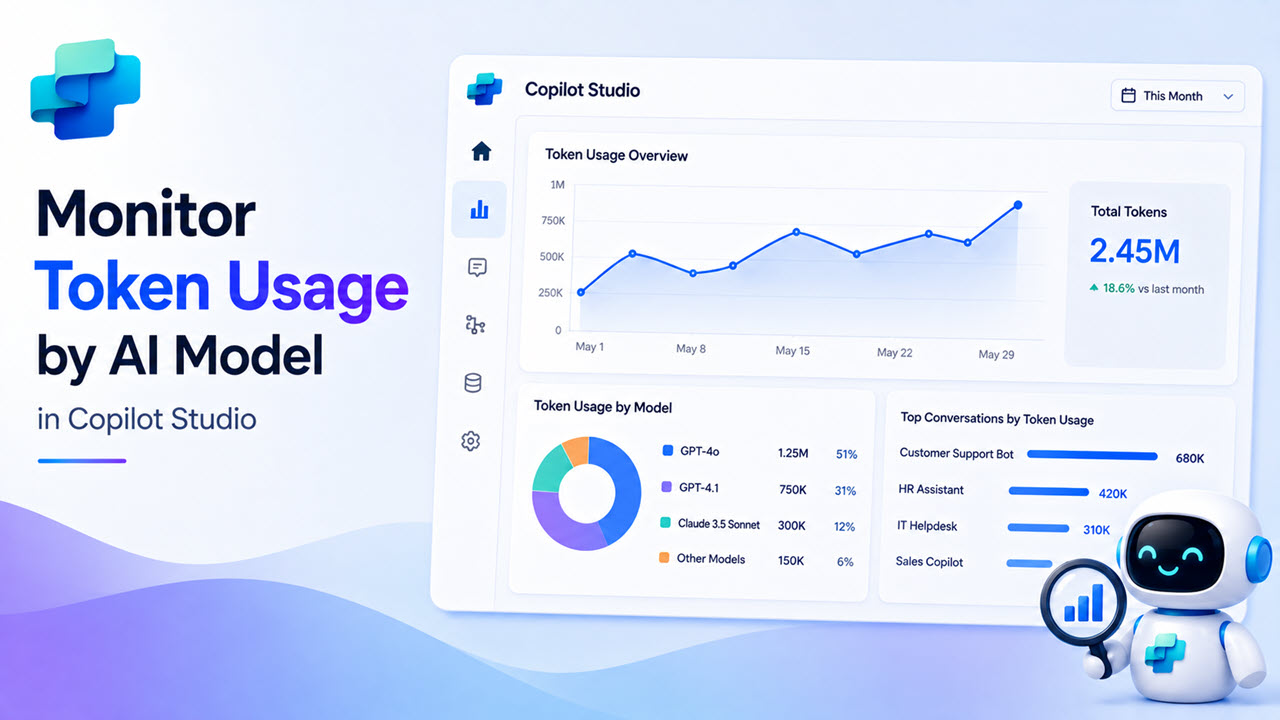
How to Monitor Token Usage by AI Model in Copilot Studio

Monitor Token Usage by AI Model in Copilot Studio

If you’ve already picked your AI model in Copilot Studio — great. Now there’s a follow-up question that catches a lot of people off guard: how much is this actually costing me? Token usage, Copilot Credits, billing meters — these terms get thrown around a lot, and it’s easy to ignore them until you suddenly get … Read more >>

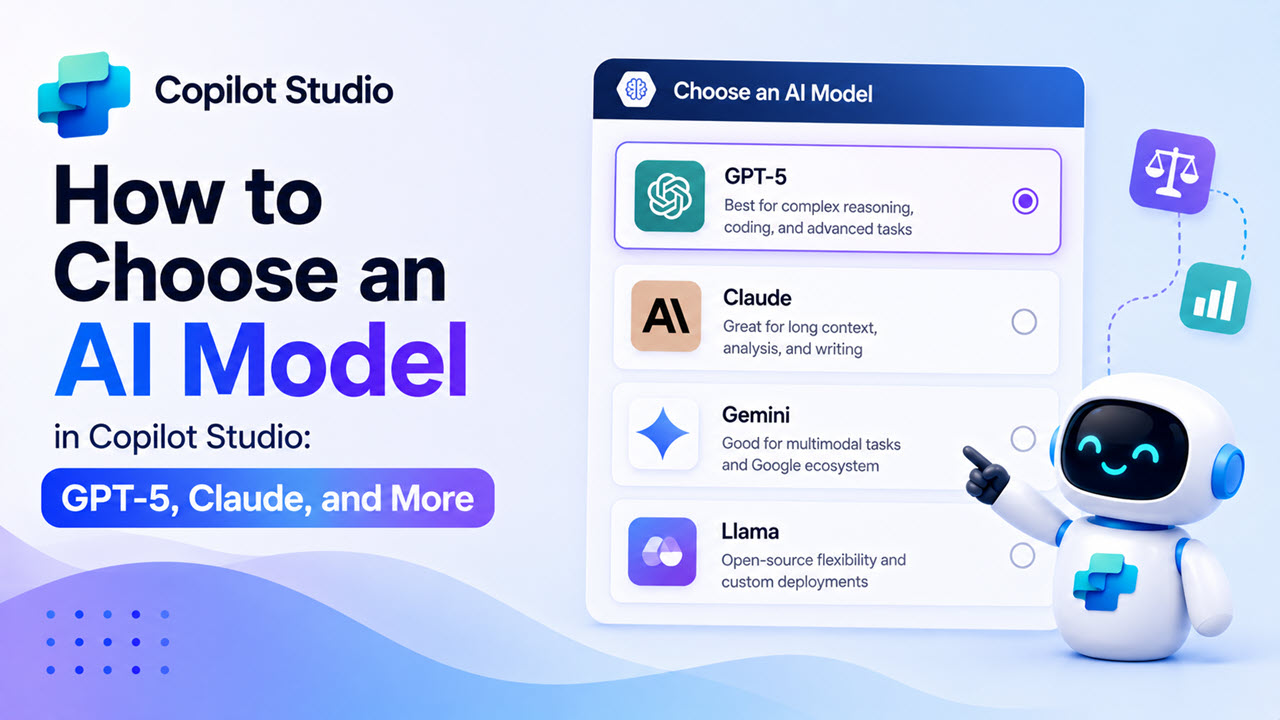
How to Choose an AI Model in Copilot Studio: GPT-5, Claude, and More

Choose an AI Model in Copilot Studio

If you’ve opened Copilot Studio recently and noticed a dropdown to select your agent’s AI model, you’re not alone in wondering — which one should I pick? The options have expanded fast. You’ve got GPT-4.1, GPT-5 Chat, GPT-5 Reasoning, Claude Sonnet 4.5, Claude Opus 4.1, and more. It can feel overwhelming when you’re just trying to build … Read more >>

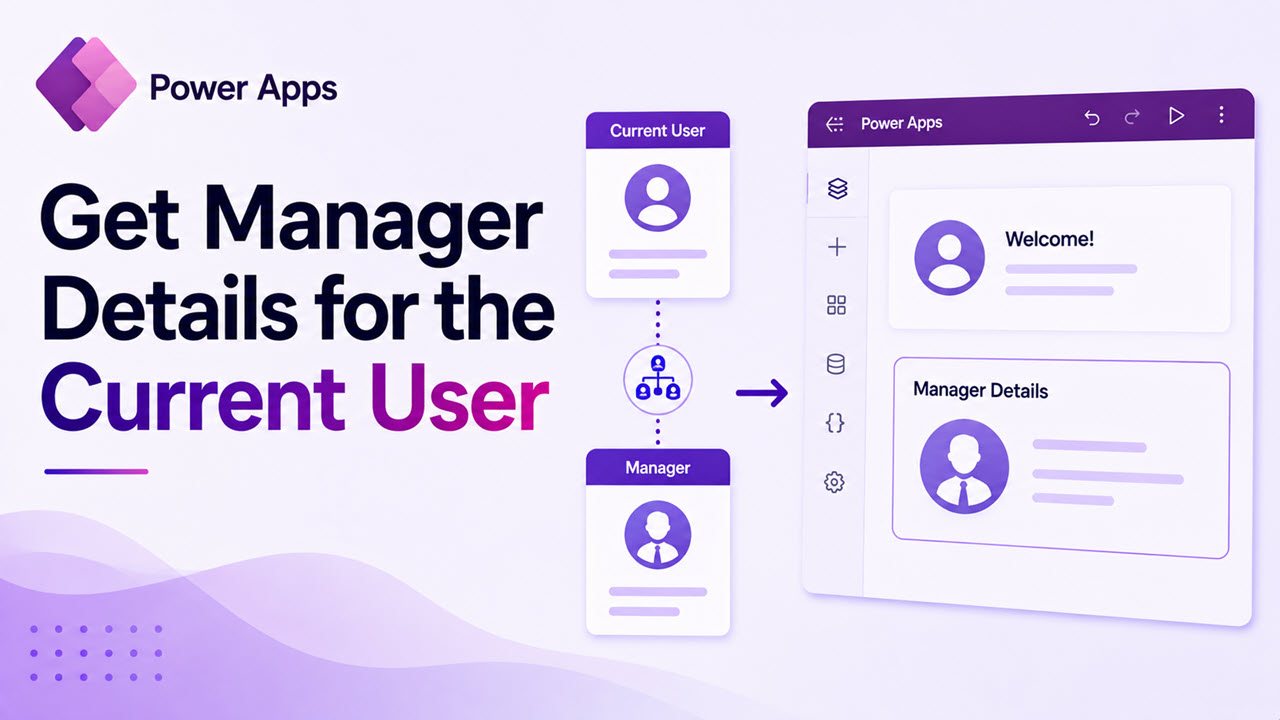
How to Get Manager Details for the Current User in Power Apps

Get Manager Details for the Current User in Power Apps

In many business applications, displaying manager information for the current logged-in user is a common requirement. Whether you are building an employee directory, leave request system, approval workflow, or organizational dashboard, having access to manager details can help create more personalized and automated experiences in Power Apps. Fortunately, Power Apps makes this process simple by … Read more >>

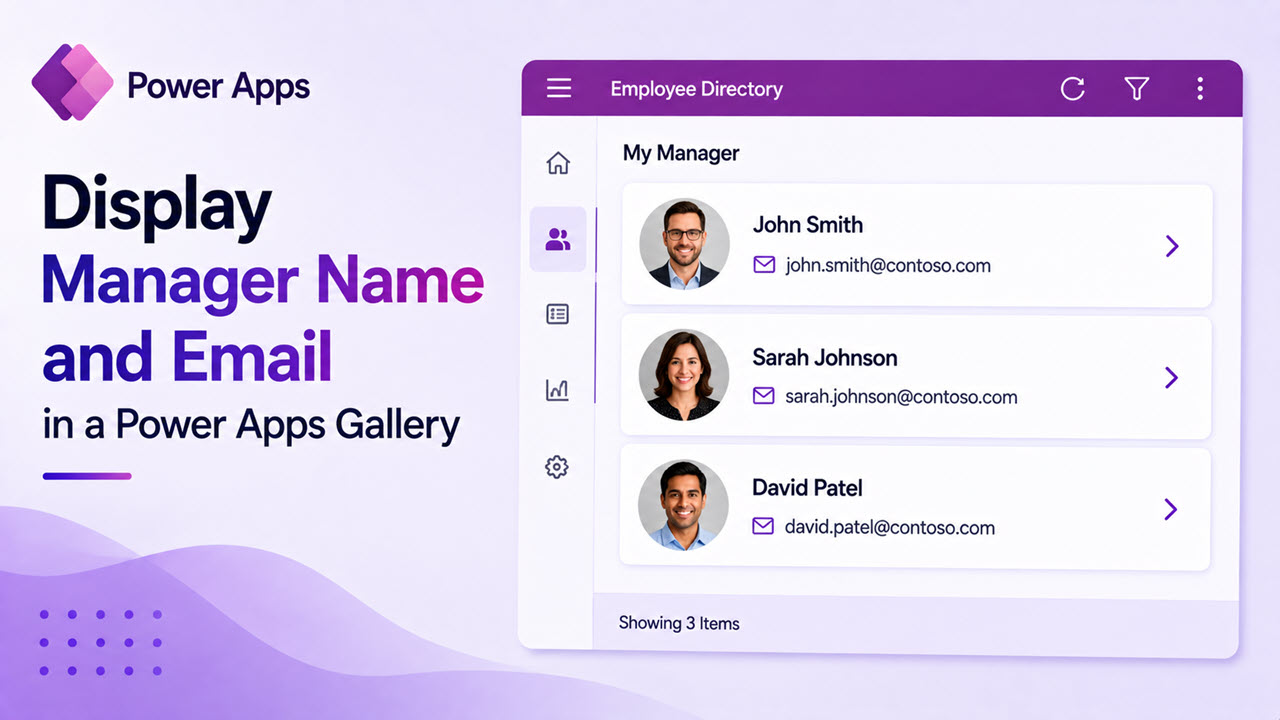
How to Display Manager Name and Email in a Power Apps Gallery

Display Manager Name and Email in a Power Apps

If you’ve built a gallery in Power Apps that shows a list of employees, teammates, or records, you’ve probably wondered — how do I also show who their manager is? Maybe you want a team directory that shows each person alongside their manager, or a request list where reviewers can see the chain of ownership … Read more >>

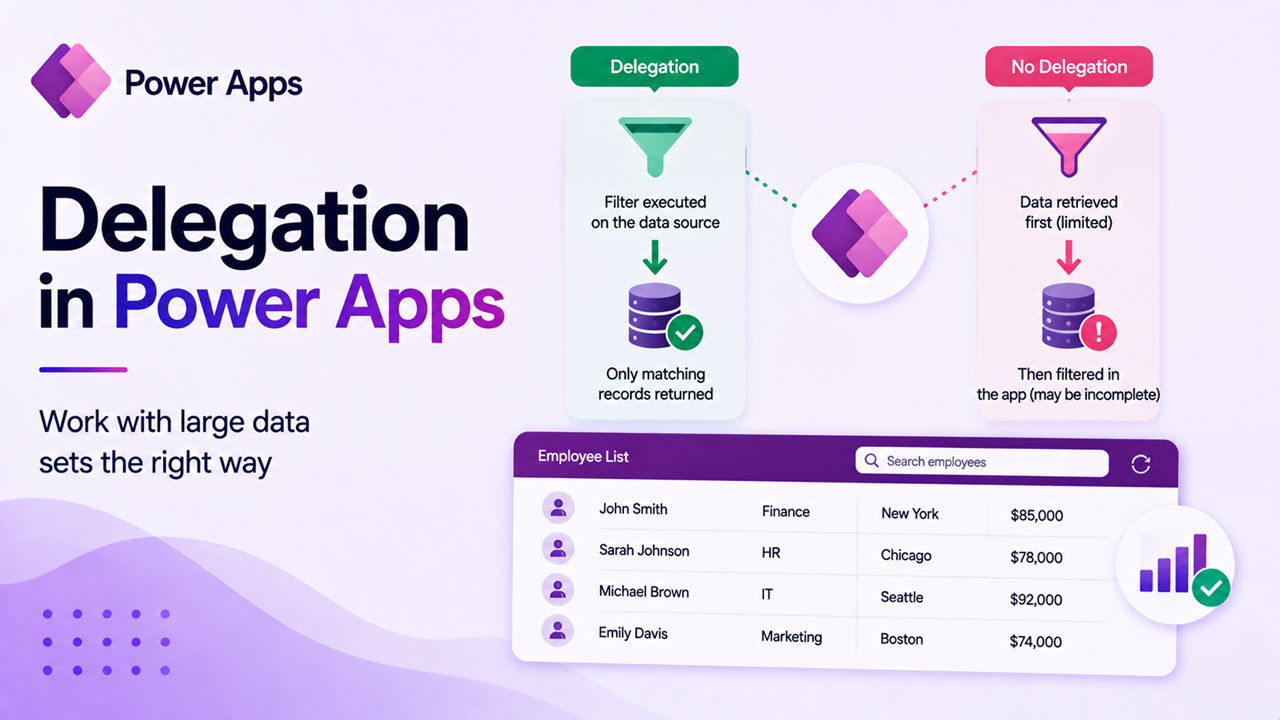
Delegation in Power Apps: The Complete Guide (With Examples)

Delegation in Power Apps

If you’ve been building Power Apps for a while, you’ve probably run into that annoying yellow warning triangle sitting next to your formula. Or maybe your app looked great during testing, but started showing missing records once real data was loaded. Nine times out of ten, delegation is the reason. In this guide, I’m going … Read more >>

How to Get User Details in Power Apps?

Get User Details in Power Apps

You’re building a Power Apps application, and suddenly you realize you need to know who’s using it. Maybe you want to show a personalized welcome message, route approvals to the right manager, or simply log who submitted a form. Whatever the reason, getting user details in Power Apps is one of those everyday tasks that … Read more >>

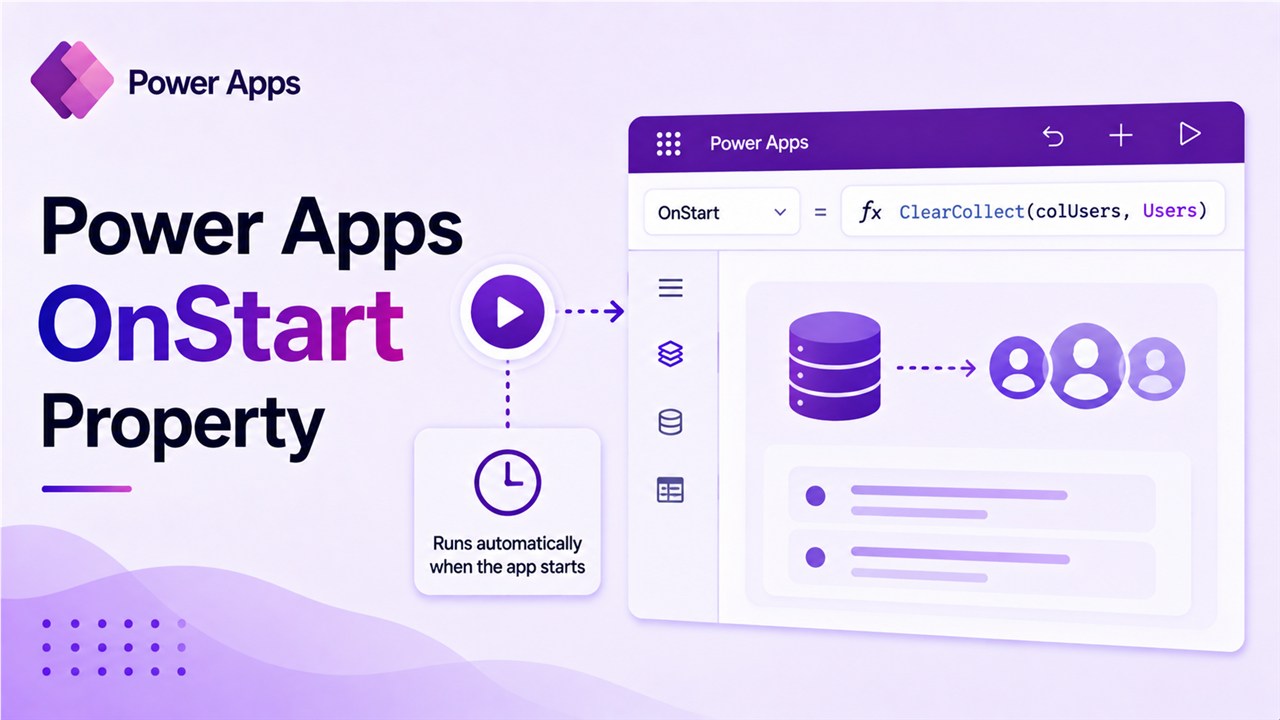
Power Apps OnStart Property [With Examples]

Power Apps OnStart Property

The OnStart property in Power Apps is useful and runs when an app starts, allowing you to control the app’s behavior and load data efficiently. In this tutorial, I will explain how to use the OnStart property in Power Apps to optimize app performance and enhance the user experience with some useful examples. OnStart Property … Read more >>