How to Send Emails from Power Apps [Using Various Methods]
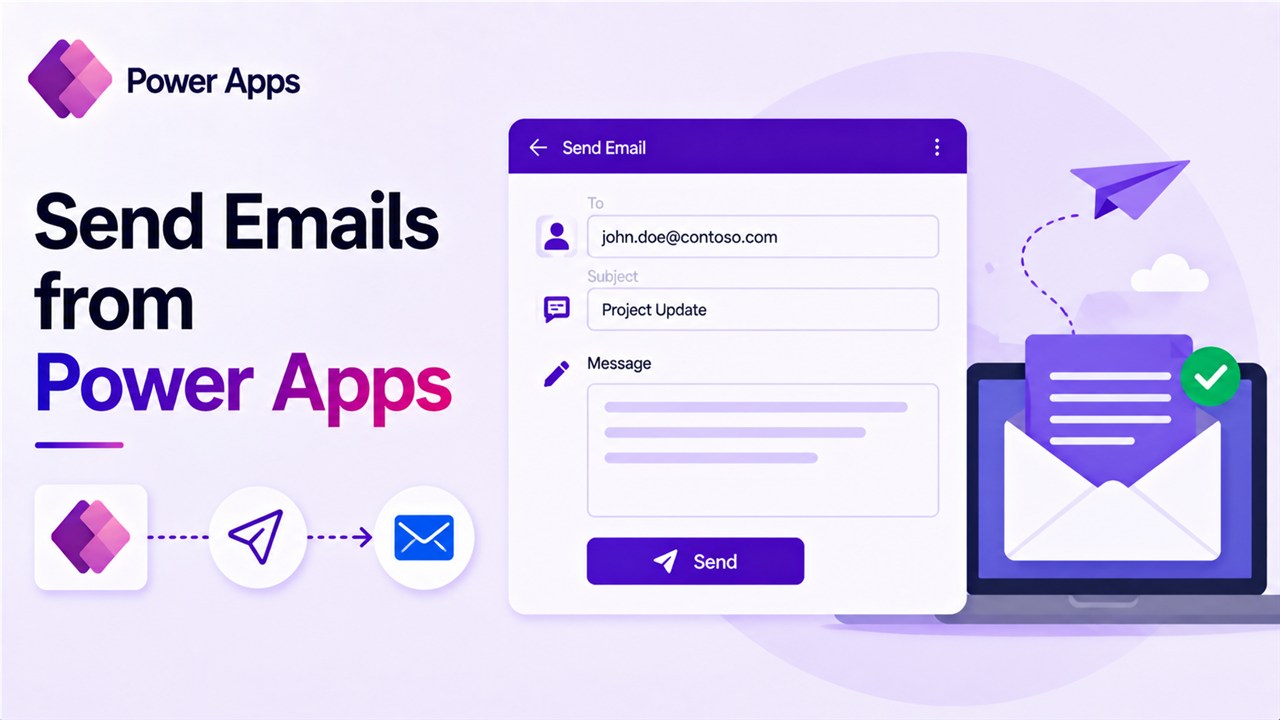
How to Send Emails from Power Apps

When building business applications using Power Apps, many organizations want their apps to do more than just collect data. For example, imagine an employee submitting a leave request or a manager approving a task. In these situations, users often expect an automatic email notification so that the next person in the process is informed immediately. … Read more >>
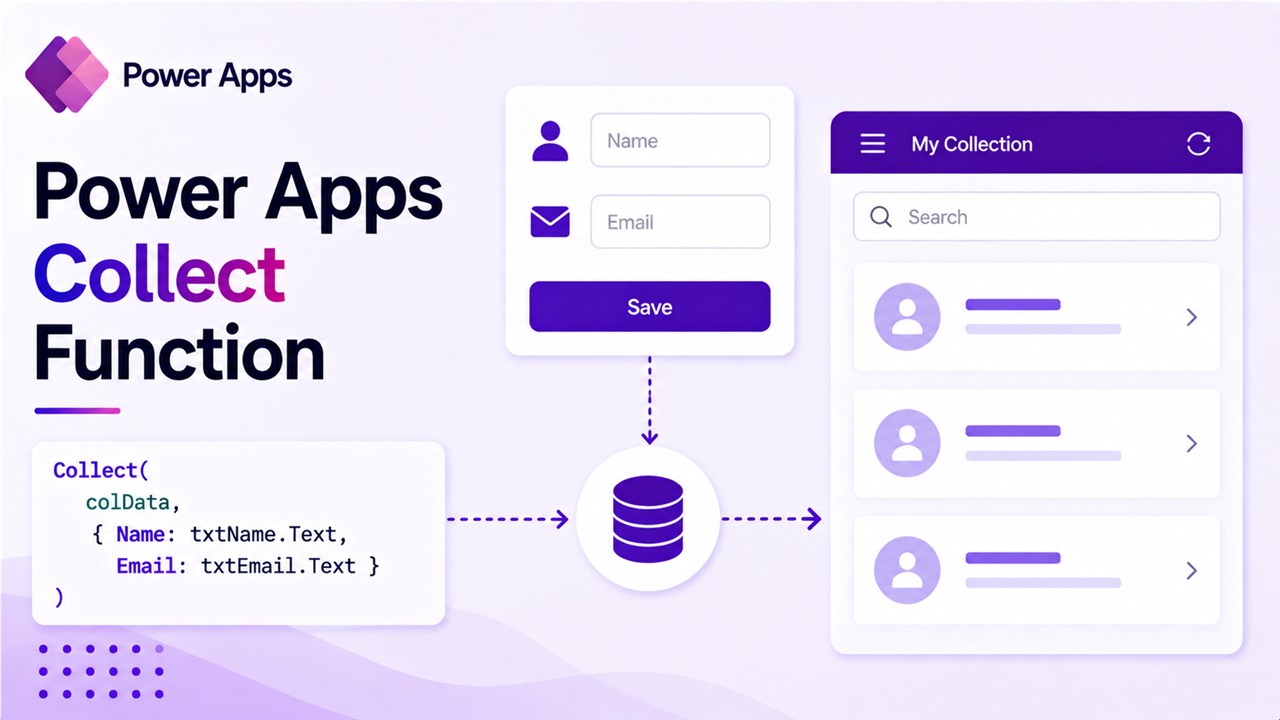
Power Apps Collect Function (With Real Examples)

Power Apps Collect Function

When building apps in Power Apps, you often need a way to temporarily store data while the user interacts with the application. For example, imagine a scenario where users select multiple items from a gallery, add products to a cart, or store form inputs before saving them to a SharePoint list or another data source. … Read more >>

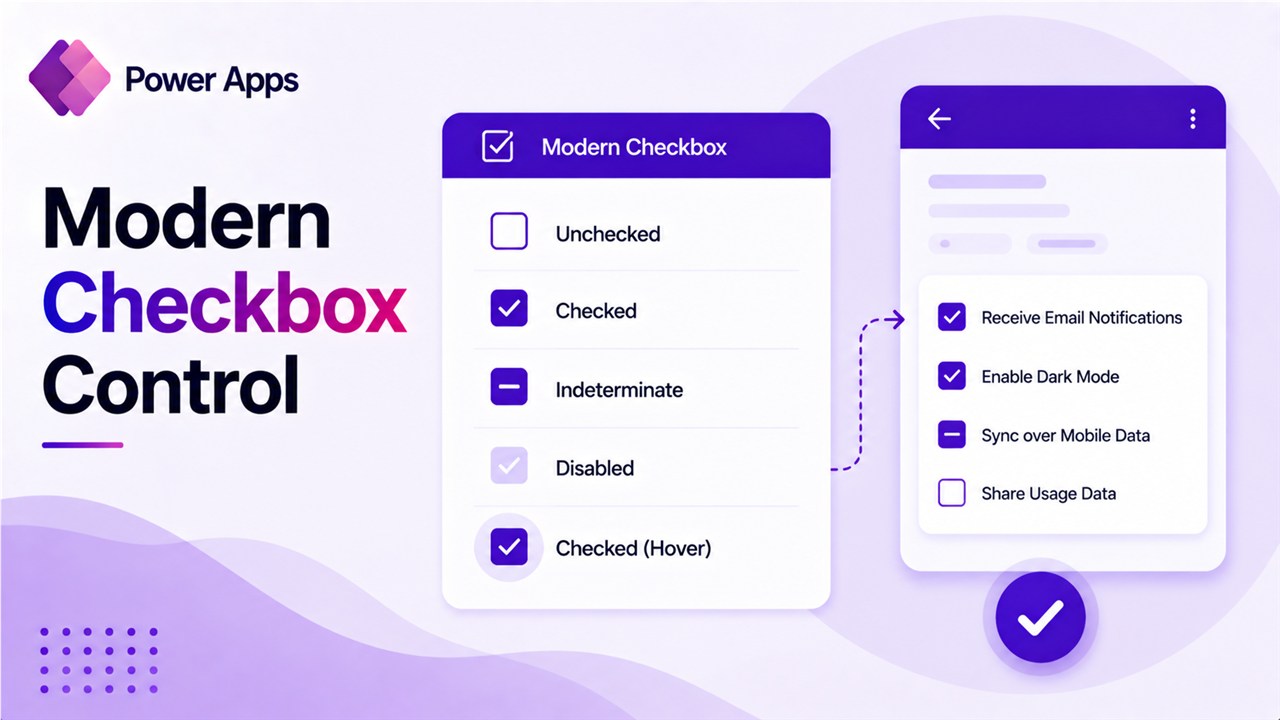
Power Apps Modern Checkbox Control – Complete Practical Tutorial with Examples

Power Apps Modern Checkbox Control

When building business applications in Power Apps, one of the most common requirements is allowing users to select or confirm options. This might seem simple, but in real-world apps, the logic around selections can become quite complex. Think about scenarios like: In all these situations, the Checkbox control becomes extremely useful. Microsoft recently introduced Modern … Read more >>

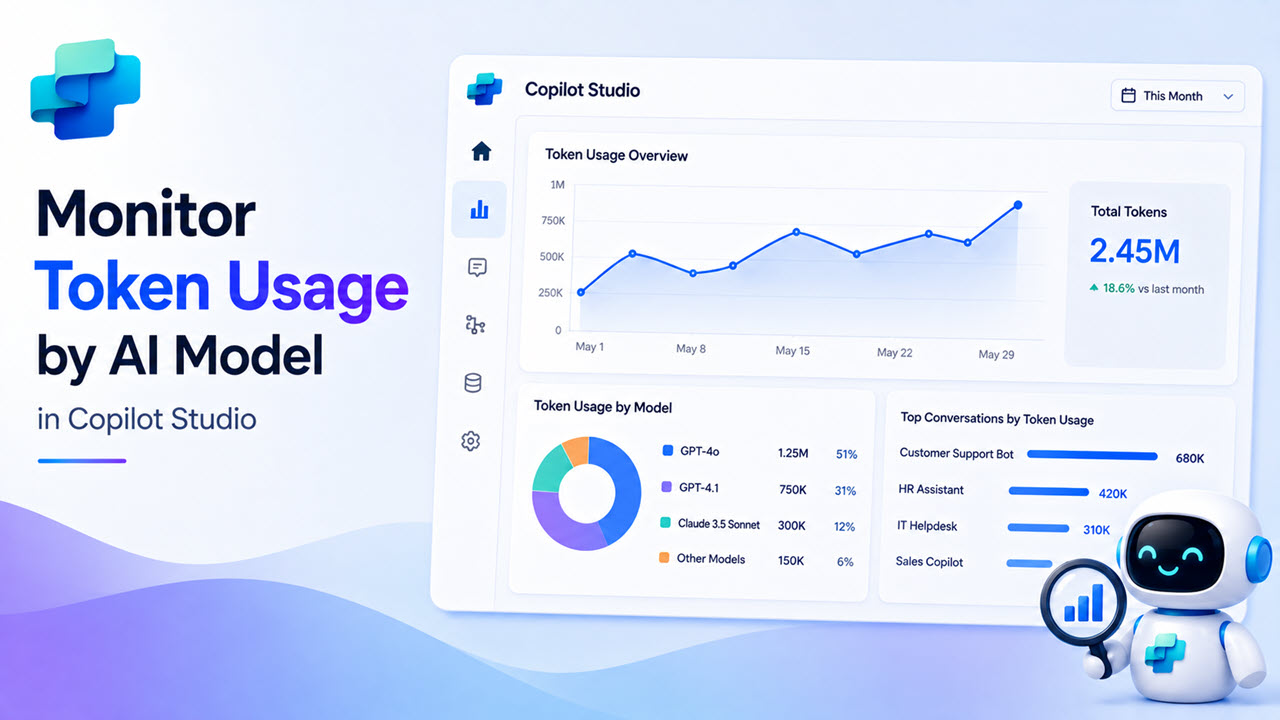
How to Monitor Token Usage by AI Model in Copilot Studio

Monitor Token Usage by AI Model in Copilot Studio

If you’ve already picked your AI model in Copilot Studio — great. Now there’s a follow-up question that catches a lot of people off guard: how much is this actually costing me? Token usage, Copilot Credits, billing meters — these terms get thrown around a lot, and it’s easy to ignore them until you suddenly get … Read more >>

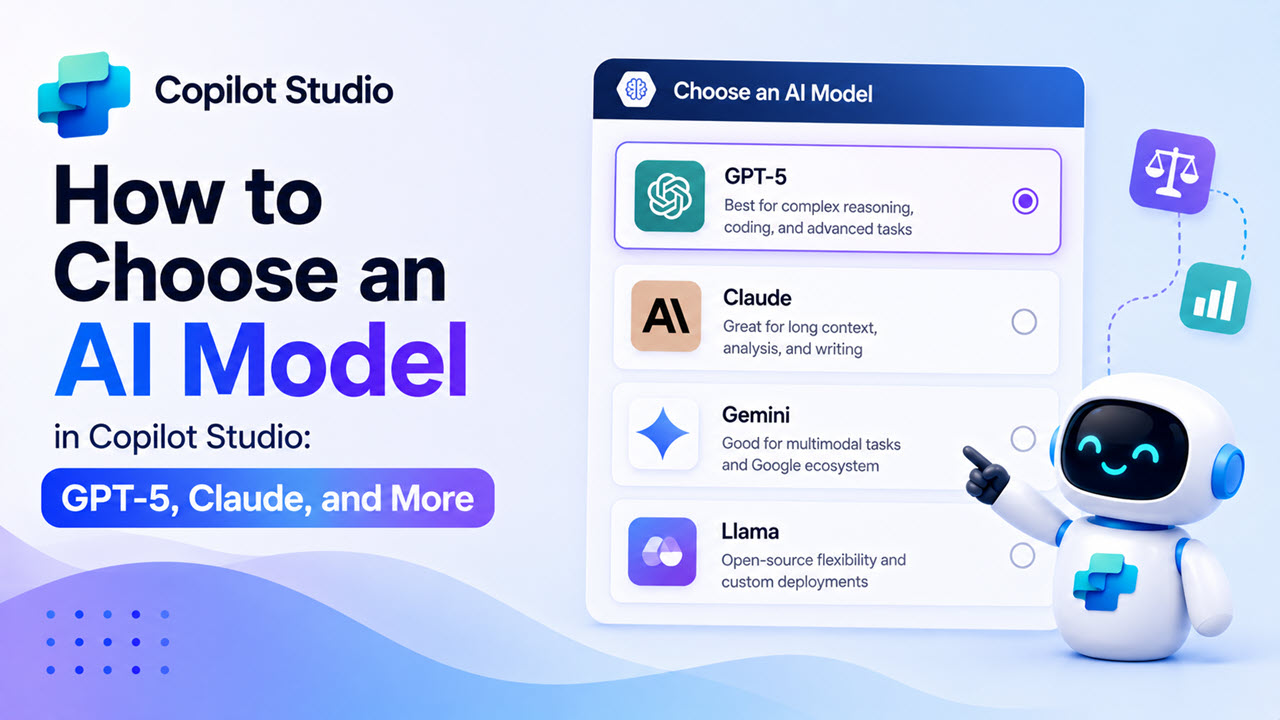
How to Choose an AI Model in Copilot Studio: GPT-5, Claude, and More

Choose an AI Model in Copilot Studio

If you’ve opened Copilot Studio recently and noticed a dropdown to select your agent’s AI model, you’re not alone in wondering — which one should I pick? The options have expanded fast. You’ve got GPT-4.1, GPT-5 Chat, GPT-5 Reasoning, Claude Sonnet 4.5, Claude Opus 4.1, and more. It can feel overwhelming when you’re just trying to build … Read more >>

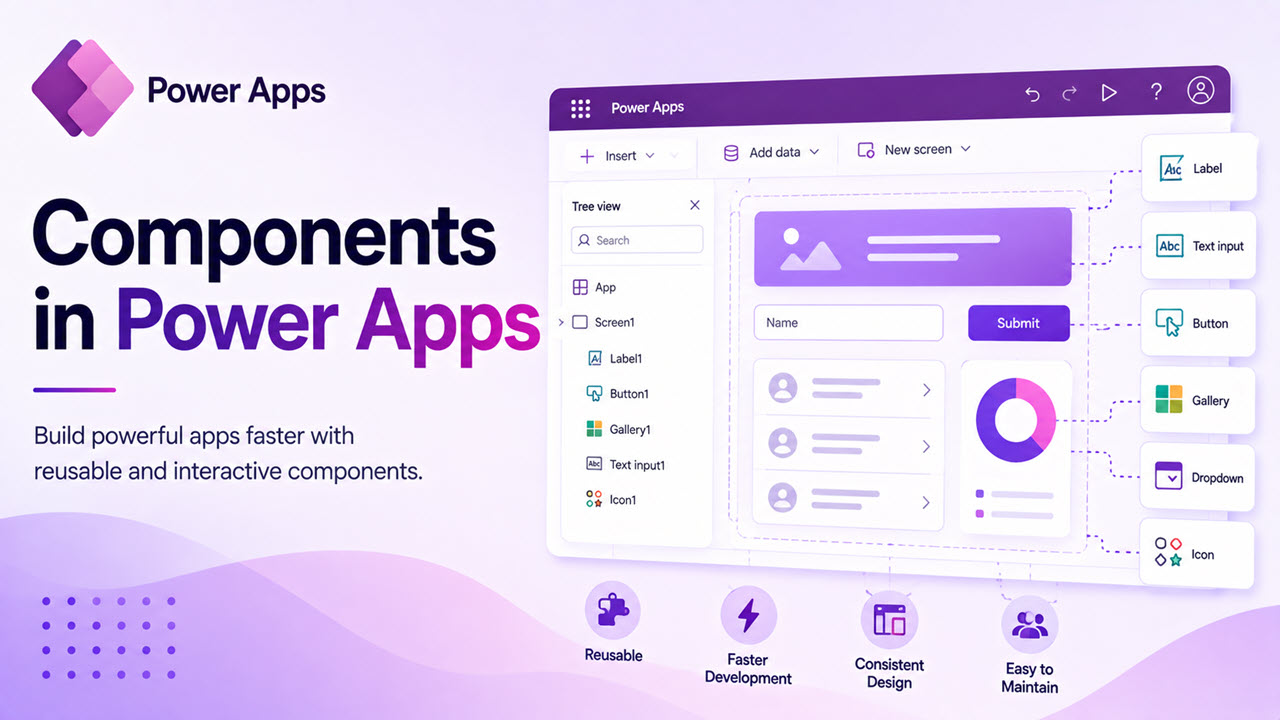
Components in Power Apps: A Practical Guide with a Real Header Example

Components in Power Apps

Power Apps components become much easier to understand when you stop thinking about them as a feature and start thinking about them as a way to avoid repeating yourself. The best example of this is a header. In many apps, I need the same top area again and again: a welcome message, the logged-in user’s … Read more >>

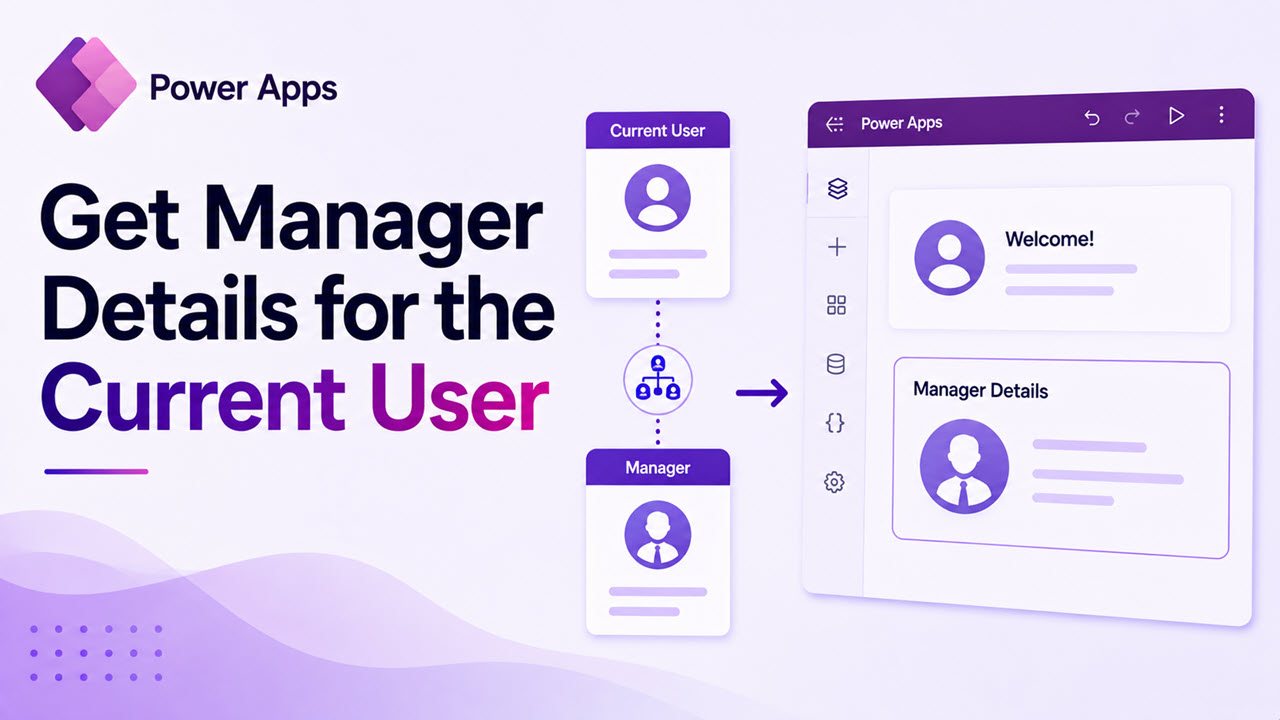
How to Get Manager Details for the Current User in Power Apps

Get Manager Details for the Current User in Power Apps

In many business applications, displaying manager information for the current logged-in user is a common requirement. Whether you are building an employee directory, leave request system, approval workflow, or organizational dashboard, having access to manager details can help create more personalized and automated experiences in Power Apps. Fortunately, Power Apps makes this process simple by … Read more >>

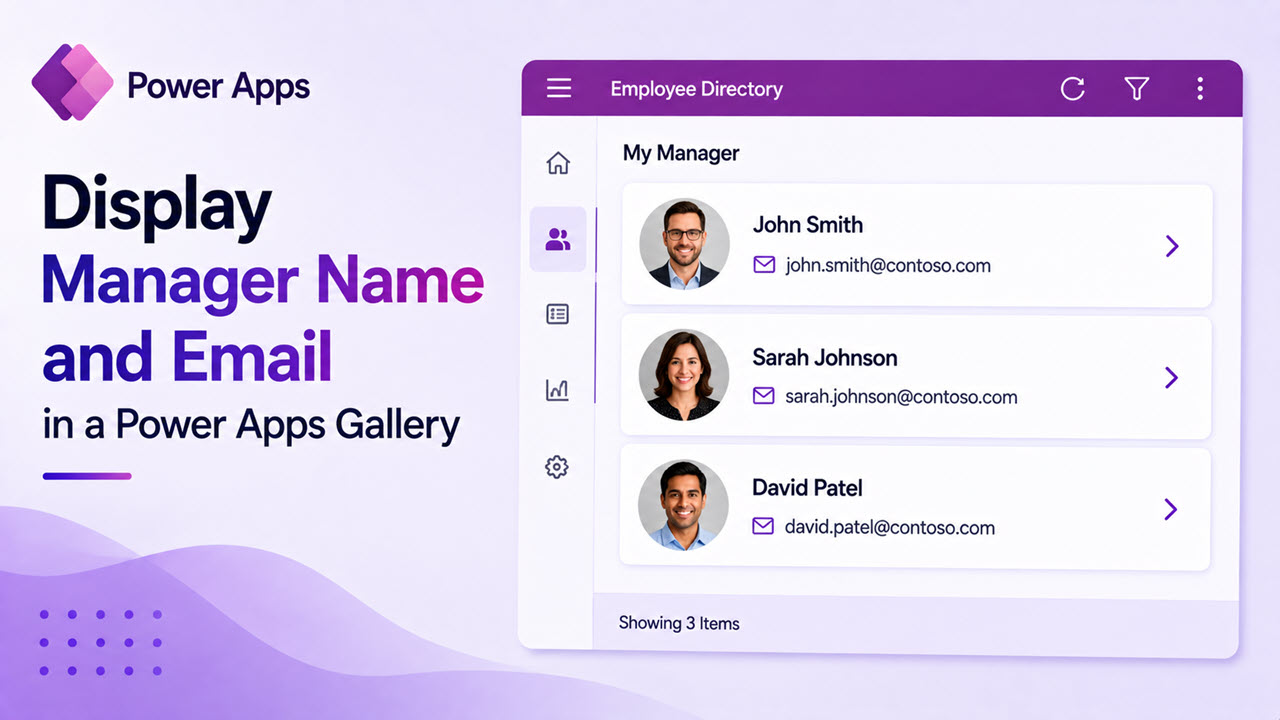
How to Display Manager Name and Email in a Power Apps Gallery

Display Manager Name and Email in a Power Apps

If you’ve built a gallery in Power Apps that shows a list of employees, teammates, or records, you’ve probably wondered — how do I also show who their manager is? Maybe you want a team directory that shows each person alongside their manager, or a request list where reviewers can see the chain of ownership … Read more >>

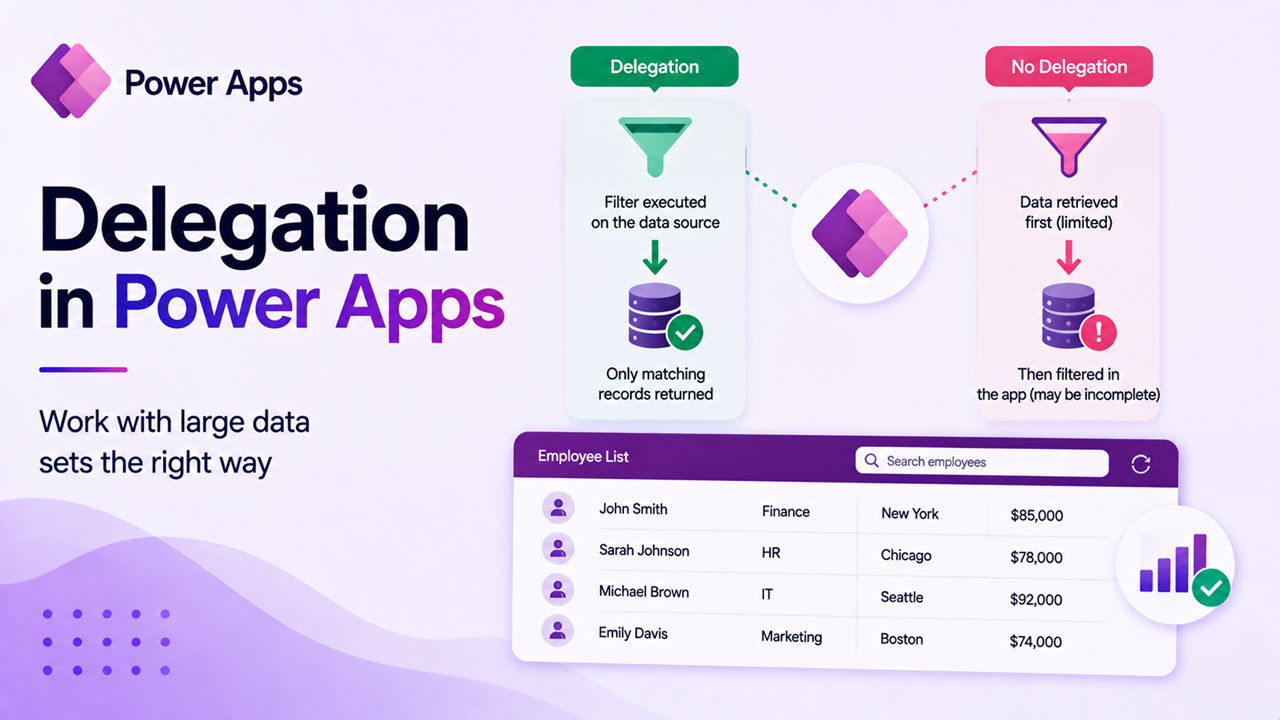
Delegation in Power Apps: The Complete Guide (With Examples)

Delegation in Power Apps

If you’ve been building Power Apps for a while, you’ve probably run into that annoying yellow warning triangle sitting next to your formula. Or maybe your app looked great during testing, but started showing missing records once real data was loaded. Nine times out of ten, delegation is the reason. In this guide, I’m going … Read more >>

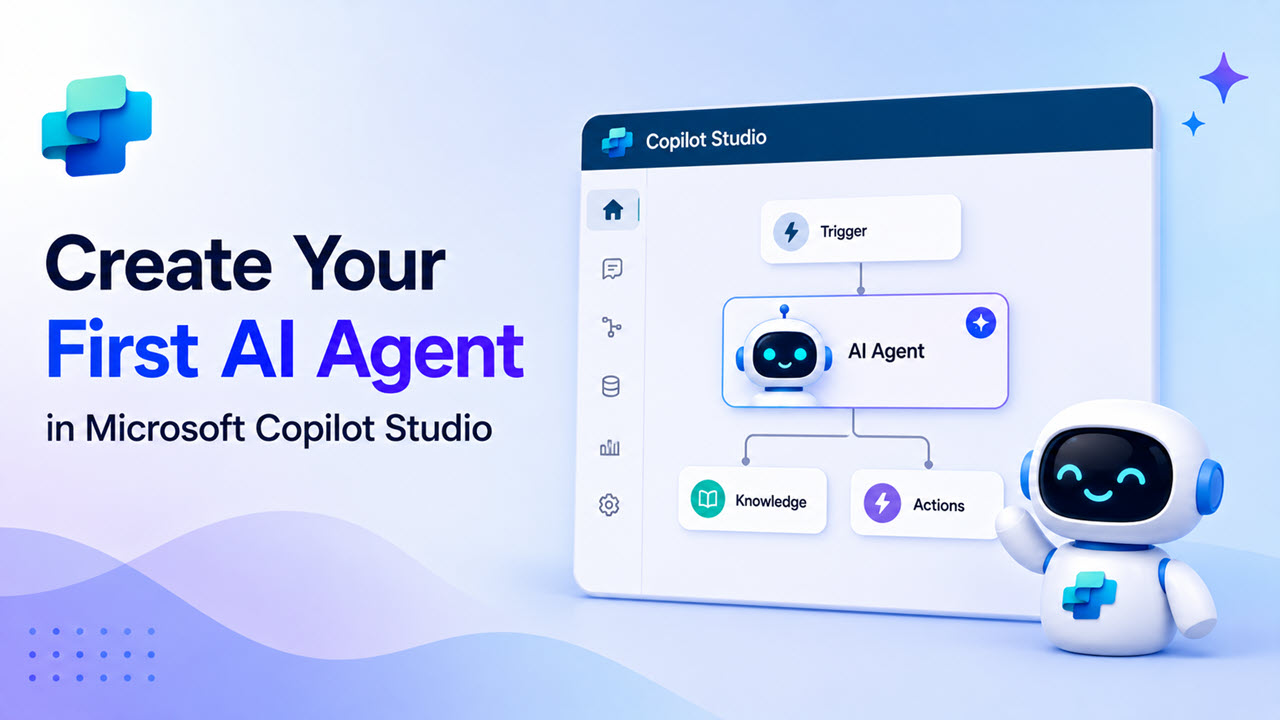
How to Create Your First AI Agent in Microsoft Copilot Studio: Step‑by‑Step Guide

Create Your First AI Agent in Microsoft Copilot Studio

If you are getting started with Microsoft Copilot Studio and want to build your first AI agent without any coding, this tutorial is for you. In this step‑by‑step guide, you will create a simple question‑and‑answer agent, test it inside Copilot Studio, and then publish it to a demo website so others can try it. This … Read more >>