Environment Strategy for Copilot Studio: Dev, Test, Prod Best Practices

Environment Strategy for Copilot Studio

If you’ve ever built a Copilot Studio agent and then wondered “how do I actually move this to production without breaking everything,” you’re in the right place. This is one of the most common pain points I see teams hit, especially those new to Power Platform ALM (Application Lifecycle Management). Microsoft has solid guidance now. … Read more >>
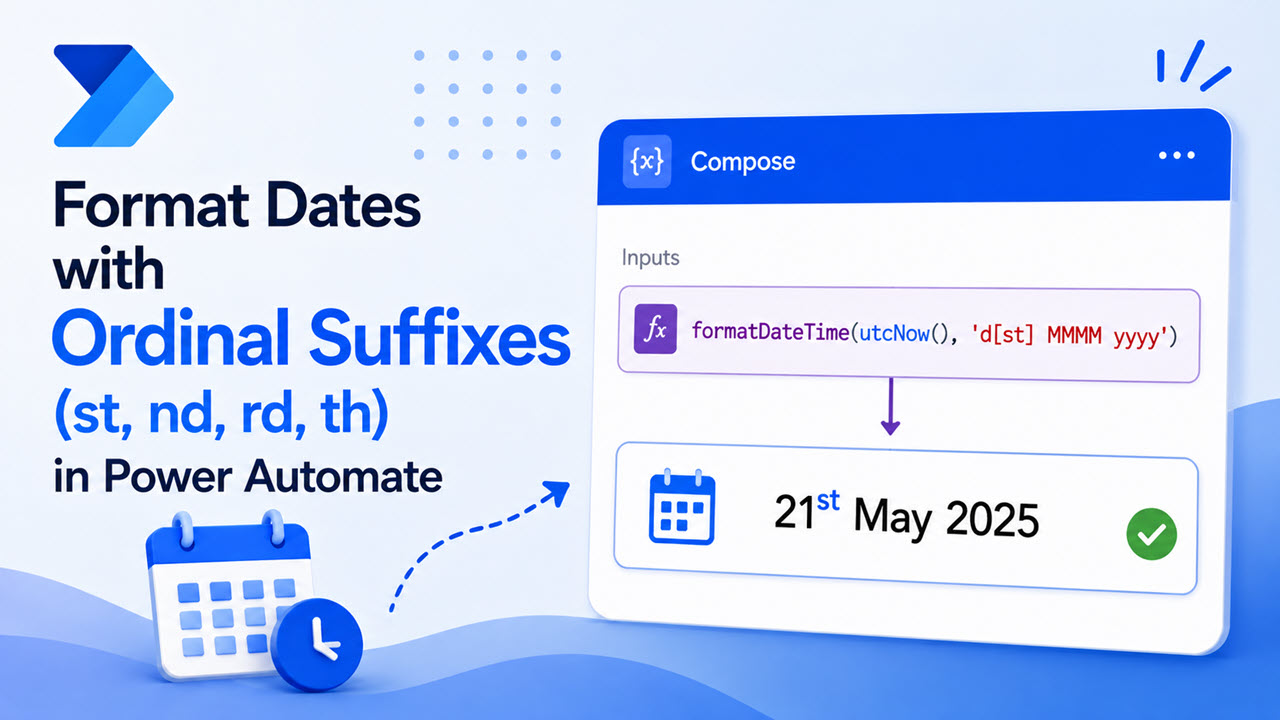

How to Format Dates with Ordinal Suffixes (st, nd, rd, th) in Power Automate

Format Dates with Ordinal Suffixes (st, nd, rd, th) in Power Automate

You send out a daily sales summary email from Power Automate. The numbers look good. But the date line says “2026-06-24T14:32:10Z” instead of a nice, human format like “24th Jun 2026, 02:32 PM”. Your manager skims the email, gets confused, and writes back: “What time zone is this? And why does it look so technical?” … Read more >>

What is Microsoft Copilot Studio? (5 Key Ways to Build AI Agents)

What is Microsoft Copilot Studio

Your employees keep asking the same questions every day — “How do I submit a leave request?” “What’s the IT helpdesk number?” “Where do I find the expense form?” Your support team is buried. And you know there has to be a better way. Microsoft Copilot Studio is that better way. It’s a low-code, graphical … Read more >>

How to Add Hover Effects to Power Apps Gallery (4 Ways)

Add Hover Effects to Power Apps Gallery

Ever built a gallery in Power Apps and noticed it feels flat? Users click around, but nothing tells them an item is clickable until they actually tap it. That lack of feedback makes your app feel unfinished, even if the data behind it works perfectly. A hover effect is a small visual change — such … Read more >>

Add Named Formula in Power Apps (5 Easy Methods)

Add Named Formula in Power Apps

Have you ever built a canvas app where the same calculation shows up in five different places? Then your boss asks you to change the tax rate, and you spend twenty minutes hunting down every screen where you typed that formula. You fix one label, forget another, and now your app shows two different numbers … Read more >>

Power Apps User Defined Functions: Complete Guide

Power Apps User Defined Functions

When I build a Canvas app for a service desk or leave-request process, I often see the same formula copied across labels, galleries, buttons, and forms. It works at first, but one small business-rule change can turn into a frustrating search through ten different screens. That is where Power Apps user defined functions make a … Read more >>

10 Power Apps User Defined Functions Examples

Power Apps User Defined Functions Examples

When I build a Canvas app for an issue tracker, leave request process, or expense claim system, I often start with simple formulas directly on controls. That works for a small app, but the same logic soon appears in Labels, Galleries, Buttons, Forms, and multiple screens. For example, you may repeat a priority-color formula in … Read more >>

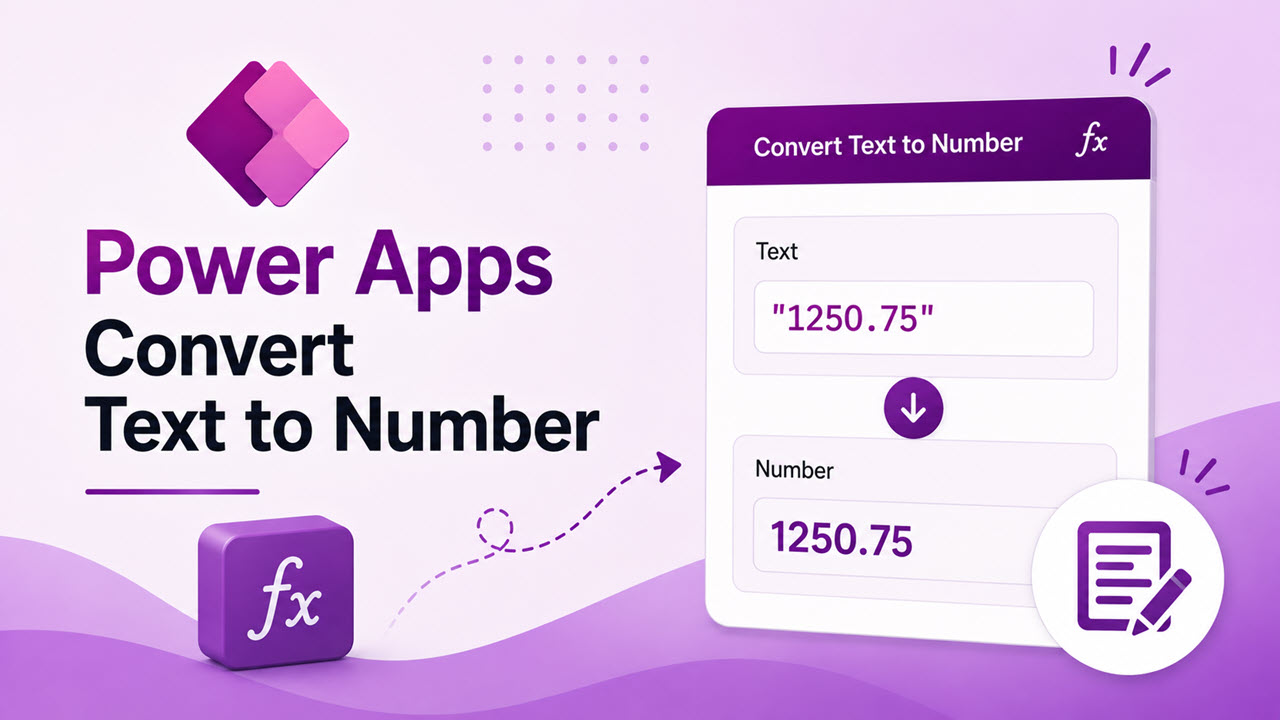
Power Apps Convert Text to Number: Complete Step-by-Step Guide

Power Apps Convert Text to Number

I often see this issue in inventory and service desk apps. A user enters a quantity such as 25 into a Text input control, but Power Apps treats that entry as text instead of a real number. That becomes a problem the moment you need to calculate totals, compare values, or save the result into … Read more >>

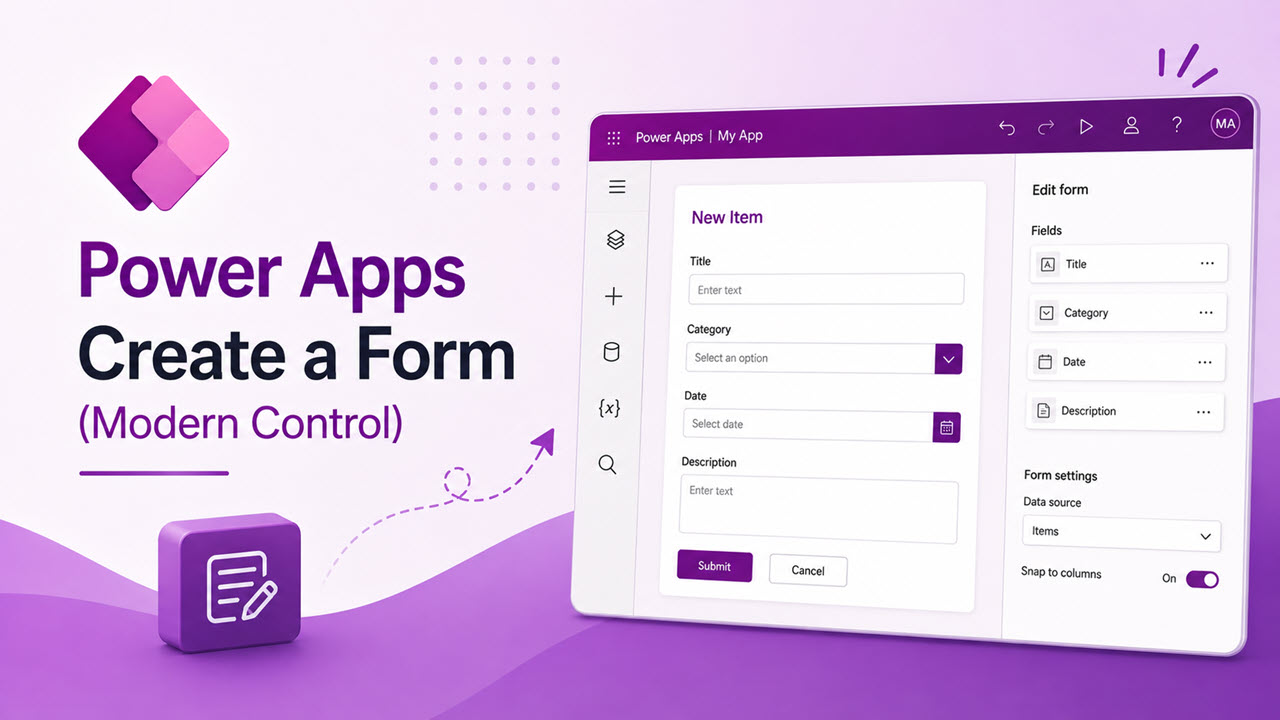
How to Create a Form in Power Apps (Modern Control)

Create a Form in Power Apps (Modern Control)

A few days ago, a client asked me for something simple: let their staff log IT issues without emailing the helpdesk. No dashboards. Just a screen where someone types a title, picks a priority, and hits Save. That request is exactly what a Form control solves. It reads your data source, generates input controls for each column, … Read more >>